
How to Download Videos Online
Practical video downloader guides, tutorials, format explainers, creator backup tips, and digital safety resources for saving public videos with more confidence.
Introduction to Video Downloads Online
White Hole helps readers understand the safest ways to save public videos for offline viewing, research, creator backups, and personal organization. Start with the Download Videos Online Tool when you already have a video link ready.
This blog is built as a clear learning hub rather than a list of quick claims. You will find step-by-step explanations, device notes, format comparisons, privacy reminders, and responsible-use guidance for people who want to understand how online video download workflows actually work.
How to Download Videos Online Free
A free video download workflow usually starts with a public URL, then checks available quality and format options before saving the file. Our blog explains how to keep that process simple while avoiding unsafe installers and misleading download prompts.
The best free guides focus on practical checks: confirm the page is public, review the available format, watch for suspicious file extensions, and keep downloads for personal, permitted use. These tips help readers choose safer paths without adding unnecessary software.
Download Videos Online Using URL
Copying the video URL is the cleanest starting point on most platforms. Paste the link into an Online Video Downloader to search for supported download options, then choose the format that works best for your device.
URL-based downloads are also easier to troubleshoot. If a link fails, the cause is often a private page, expired media, an unsupported platform, or content protected by restrictions that should be respected. Our tutorials explain these cases in plain language.
Device-Based Guides
iPhone
How to Download Videos Online on iPhone often depends on Safari downloads, the Files app, and moving saved videos into Photos when supported.
iPhone readers can also learn when to keep files in iCloud Drive, when Photos is more convenient, and why some apps handle downloaded media differently.
Android
How to Download Videos Online on Android is usually direct, with saved files appearing in Downloads, Gallery, or the browser download manager.
Android guides cover browser permissions, storage folders, and the simple checks that help keep saved videos easy to find later.
PC
How to Download Videos Online on PC is easiest from a desktop browser where copying links, checking file extensions, and organizing folders is straightforward.
PC tutorials are useful for people managing larger files, external drives, browser download settings, or video libraries for study and reference.
Mac
How to Download Videos Online Mac workflows commonly use Safari or Chrome, then save files to Downloads, Finder folders, or external storage.
Mac-focused tips explain Finder organization, browser behavior, and format choices that work well across Apple devices.
Download Videos Online From Any Website
How to Download Videos Online From Any Website starts with checking whether the page is public, supported, and permitted for personal use. White Hole also offers focused tools for platforms like TikTok and Instagram.
Because every website handles media differently, the blog separates general advice from platform-specific tutorials. That structure helps readers find the right guide without forcing unrelated keywords or mixing every platform into one paragraph.
YouTube Video Download Guide
How to Download Videos Online From YouTube requires care with copyright, creator permissions, and platform rules. For supported public videos, use the Free Video Downloader guide to understand available quality and format choices.
YouTube-related articles also emphasize safe, respectful use. The goal is to help users understand public video saving, offline access, and creator rights before choosing a download option.
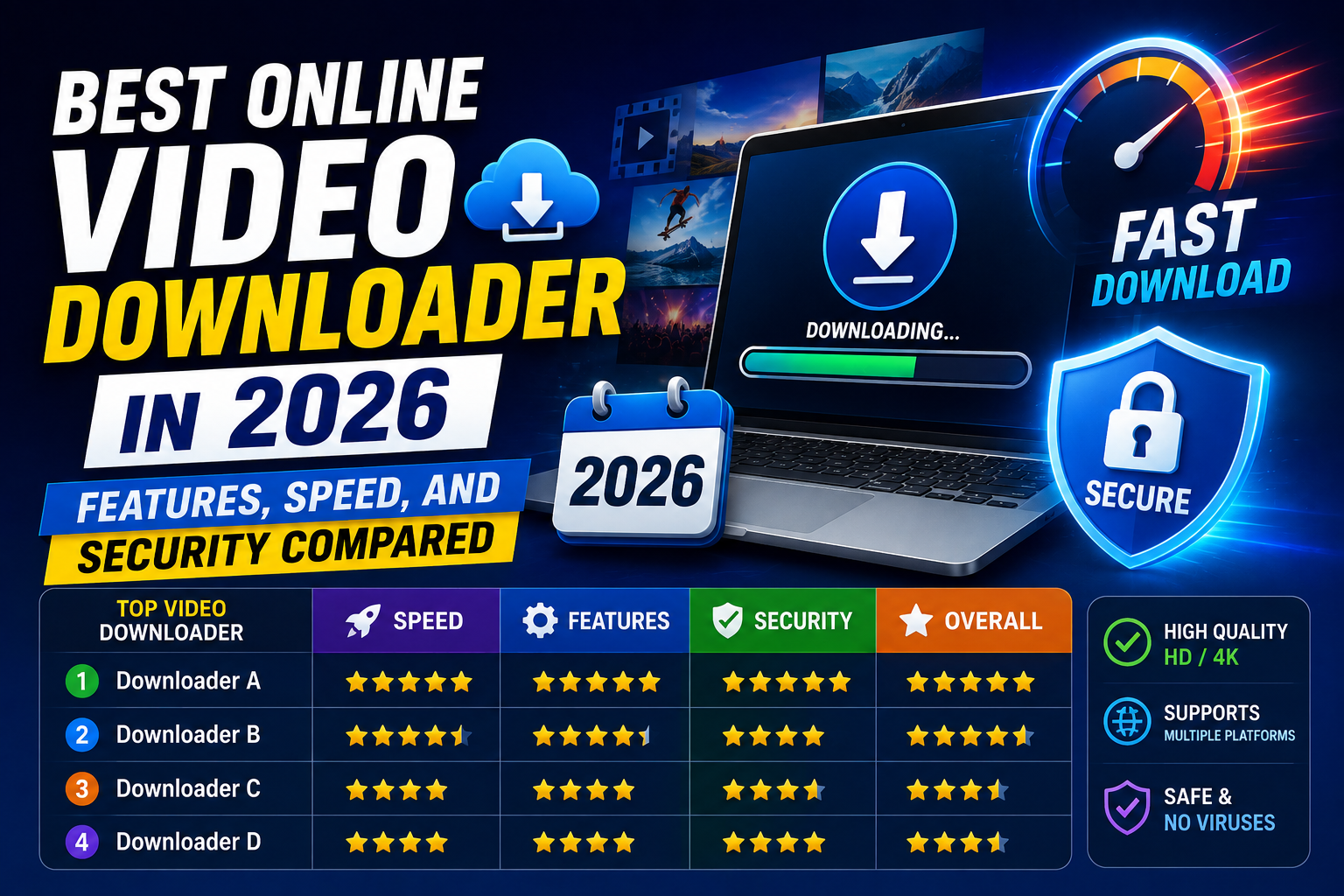
Best Online Video Downloader in 2026: Features, Speed, and Security Compared
Search "best video downloader" and you'll get a wall of nearly identical-looking sites, most of them recycling the same layout with a different logo swapped in....
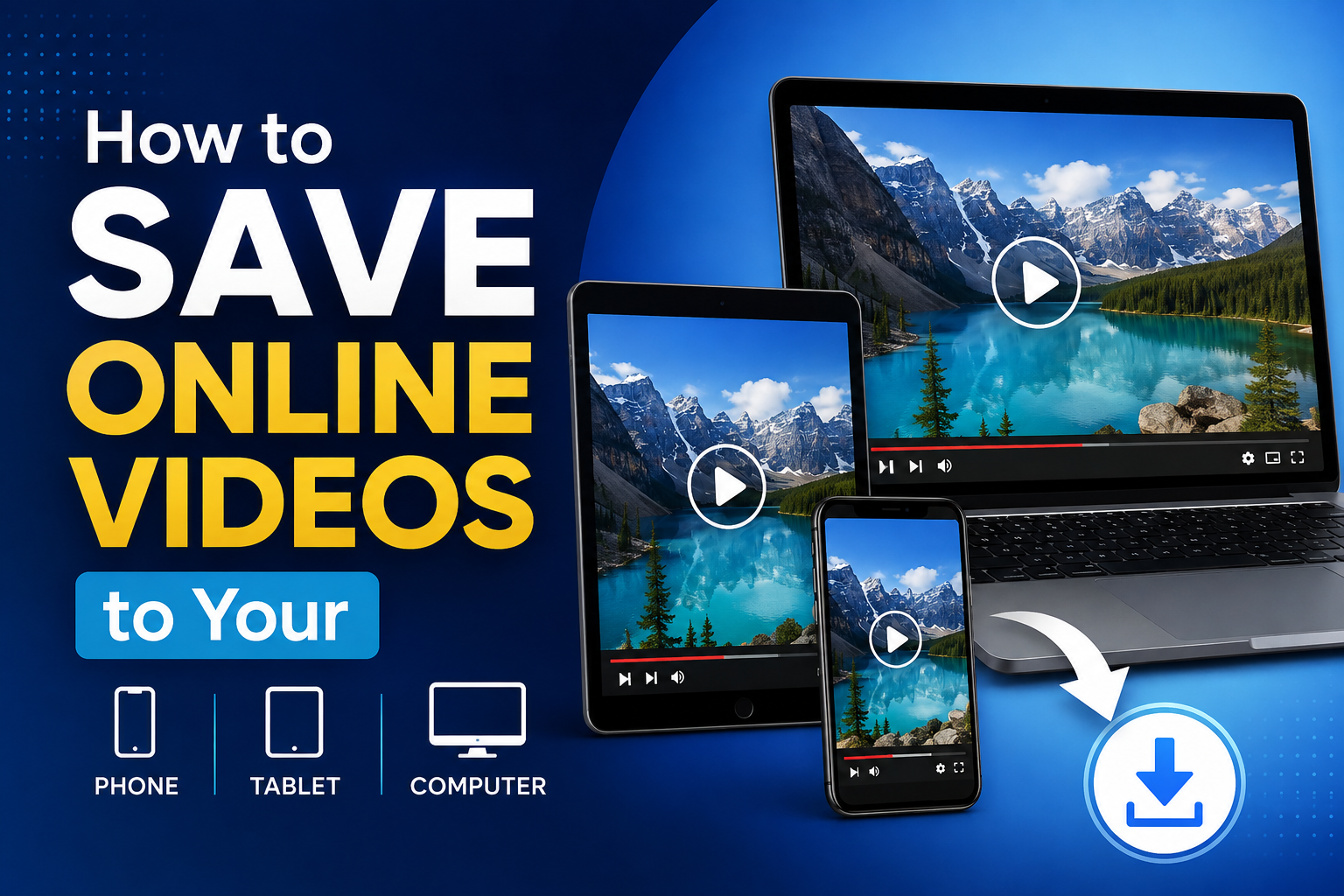
How to Save Online Videos to Your Phone, Tablet, or Computer
Saving a video used to depend heavily on what device you were using — a method that worked fine on a laptop might not work at all on a phone, and vice versa. A...
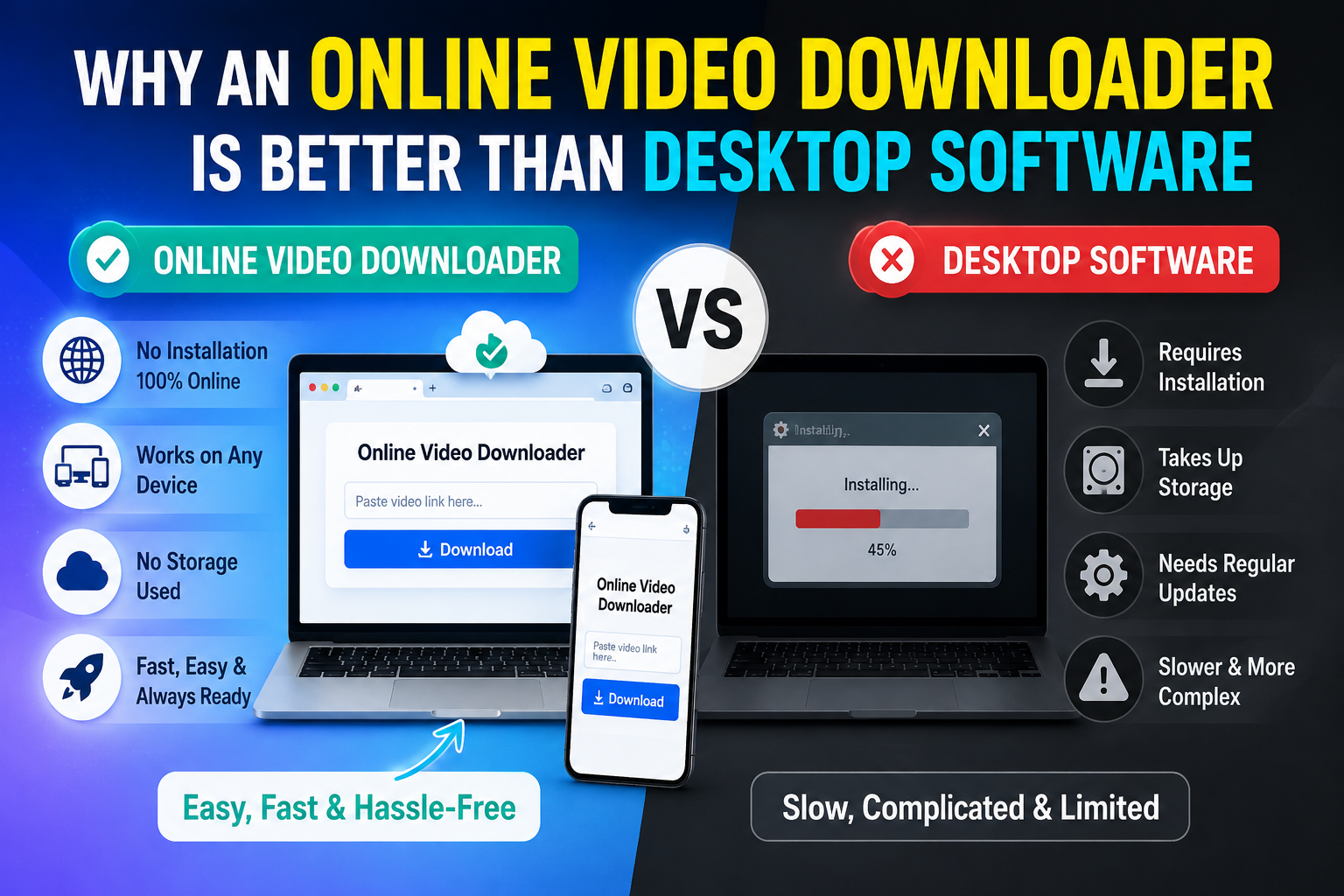
Why an Online Video Downloader Is Better Than Desktop Software
Desktop video downloader software isn't new — it's been around in various forms for well over a decade. But it's increasingly the harder path compared to a brow...
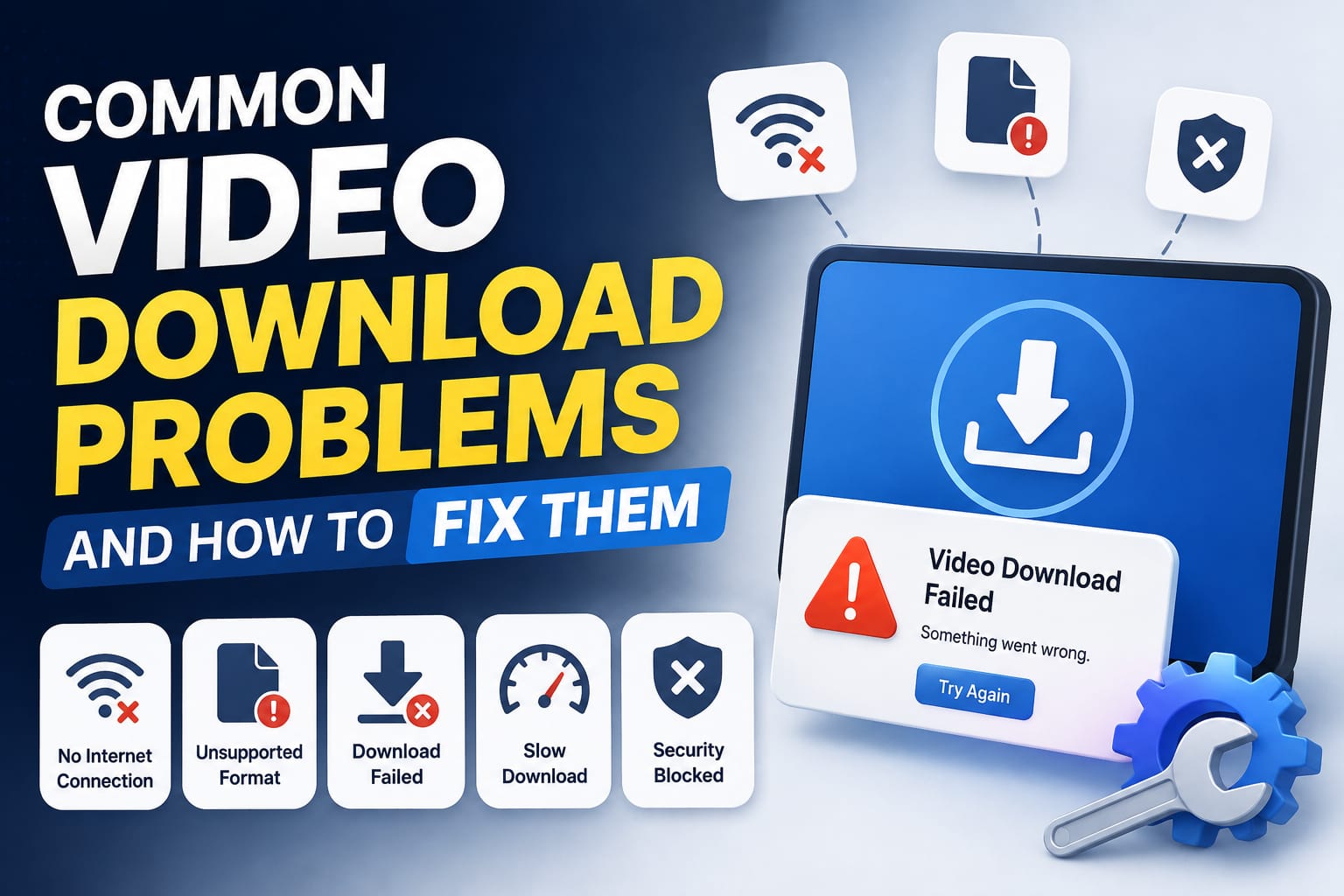
Common Video Download Problems and How to Fix Them
Almost everyone who's downloaded videos online has run into at least one of these problems. Most of them have simple explanations and equally simple fixes — the...
How to Download High-Quality Videos Without Losing Resolution
There's a specific kind of disappointment in downloading a video, opening it, and finding it looks noticeably worse than what you saw on the original platform....
Online Video Download Safety: Everything You Need to Know Before You Save a Video
Video downloader sites have a reputation problem, and honestly, it's earned — the space has had more than its share of ad-stuffed, popup-heavy pages that priori...
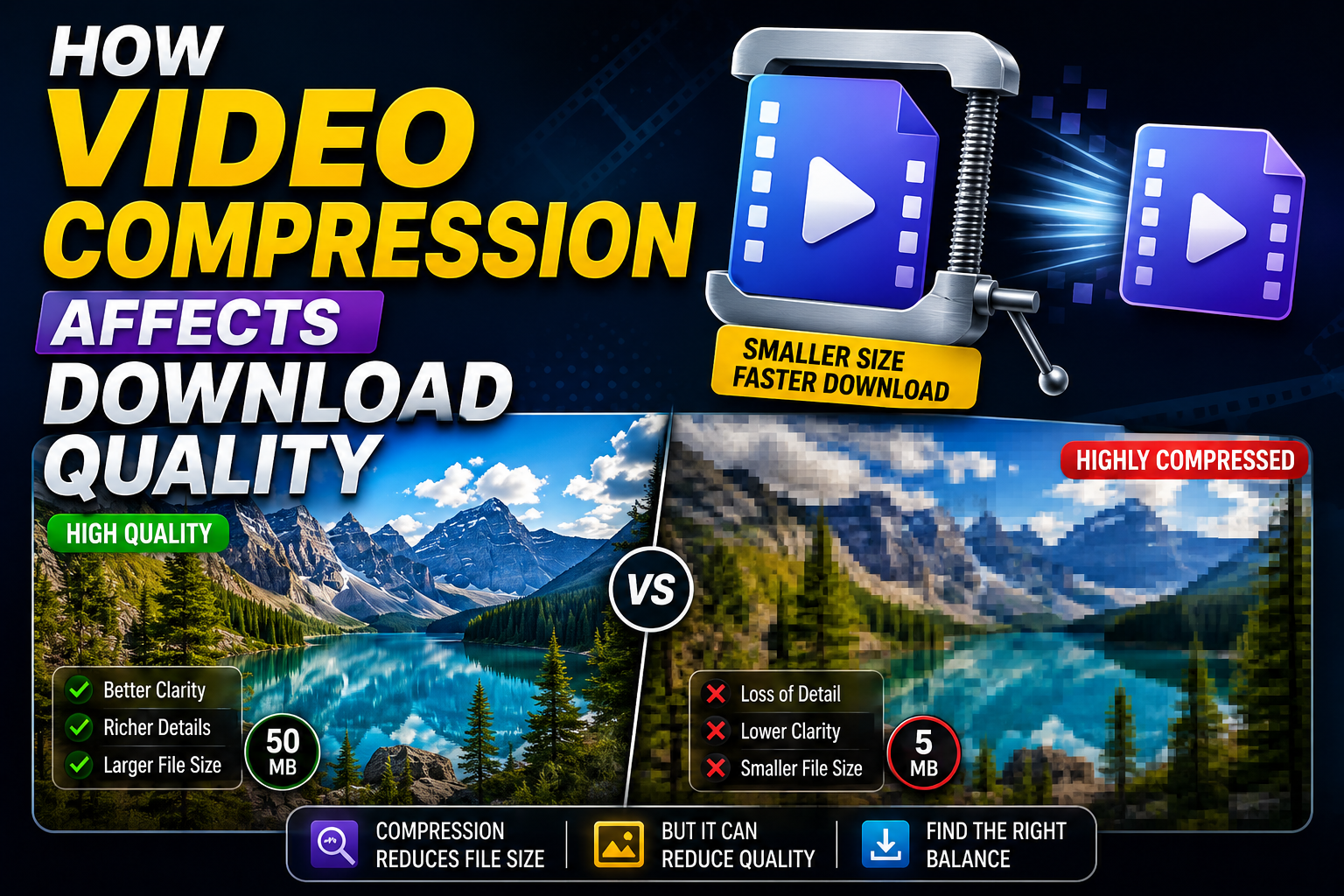
How Video Compression Affects Download Quality
Compression is the single biggest factor behind why a downloaded video sometimes looks worse than what you originally saw. It's also one of the least understood...
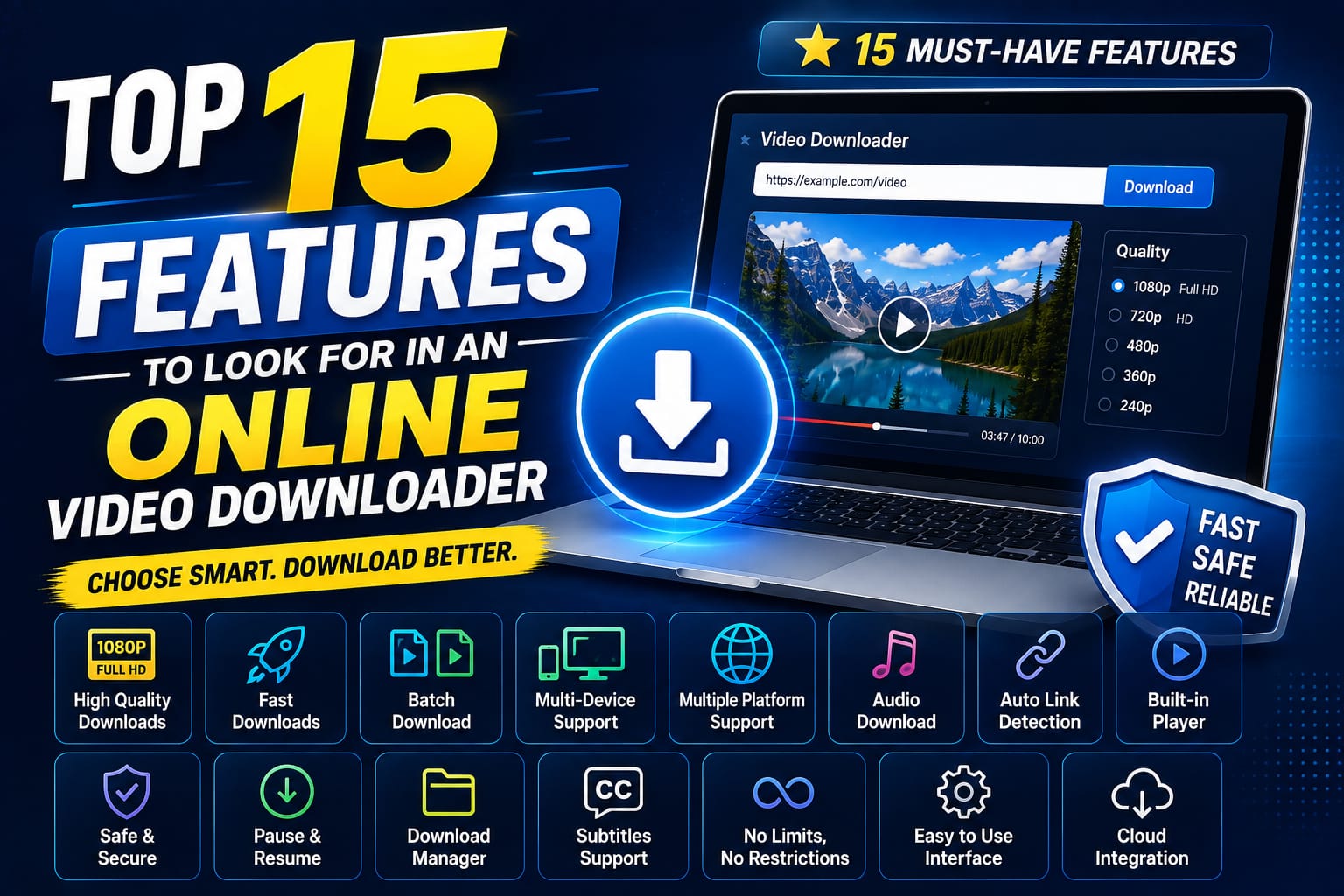
Top 15 Features to Look for in an Online Video Downloader
Most video downloader sites look similar at a glance, but the details matter a lot once you actually start using one regularly. Here are the 15 features worth c...
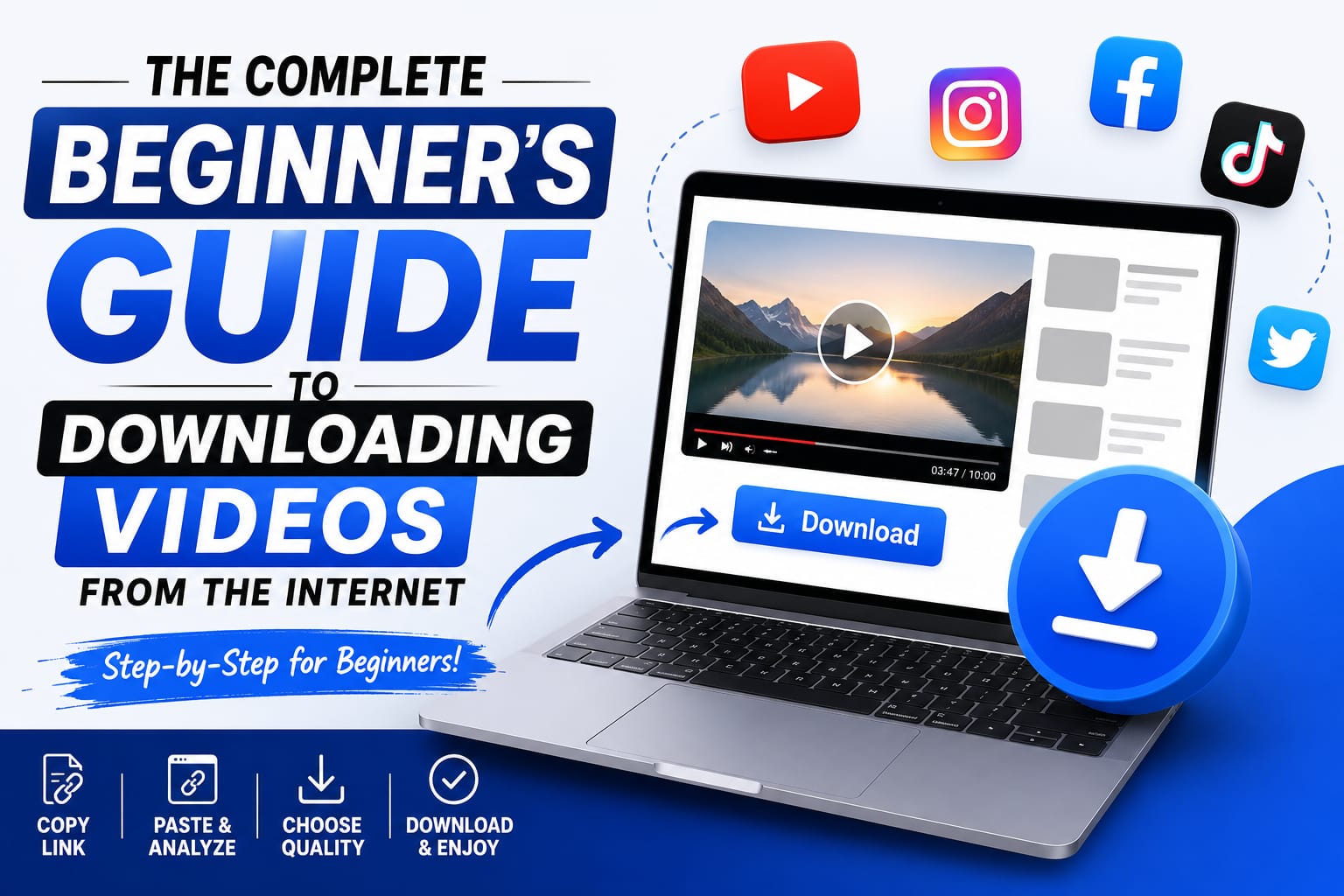
The Complete Beginner's Guide to Downloading Videos from the Internet
If you've never downloaded a video from the internet before, the process can feel more complicated than it actually is — mostly because so many downloader sites...
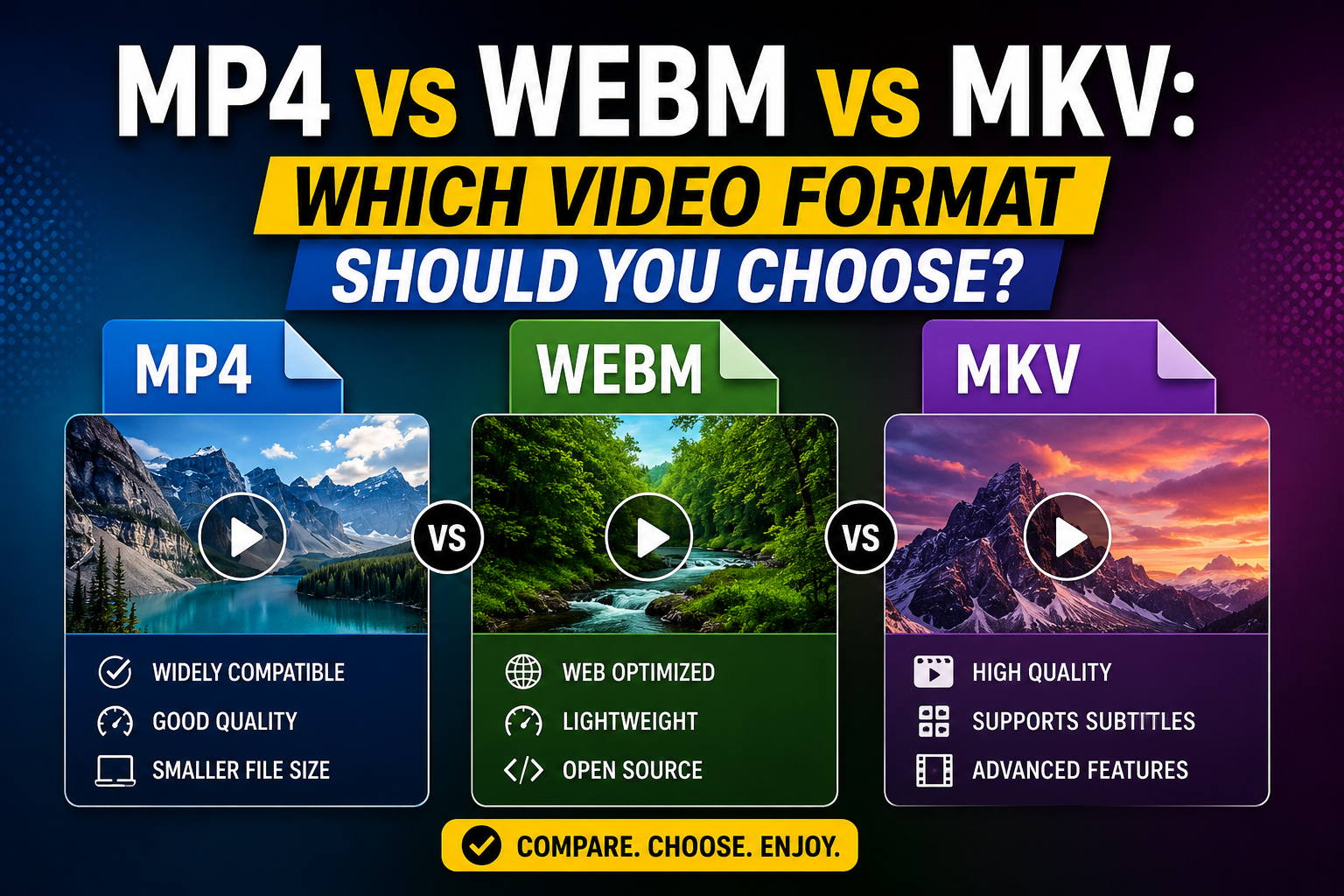
MP4 vs WEBM vs MKV: Which Video Format Should You Choose?
If you've ever downloaded a video and noticed the file extension without really thinking about what it means, you're not alone. Most people never need to think...
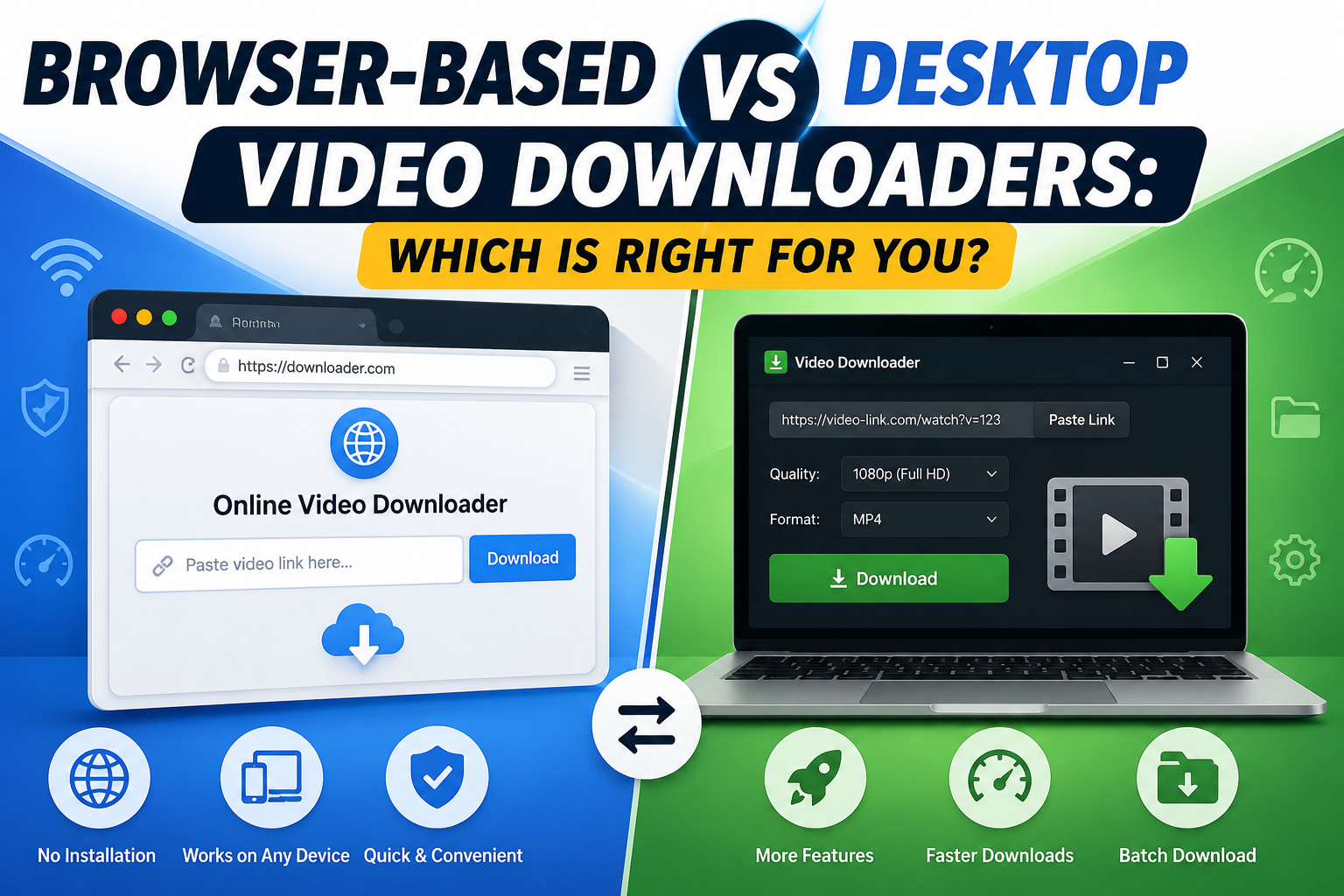
Browser-Based vs Desktop Video Downloaders: Which Is Right for You?
Choosing between a browser-based downloader and desktop software isn't just a matter of preference — the two approaches genuinely work differently, with differe...

The Ultimate Guide to Downloading HD and 4K Videos from the Web
Quality is the thing most people don't think about until they've already downloaded a video and it looks noticeably worse than they expected. A clip that looked...
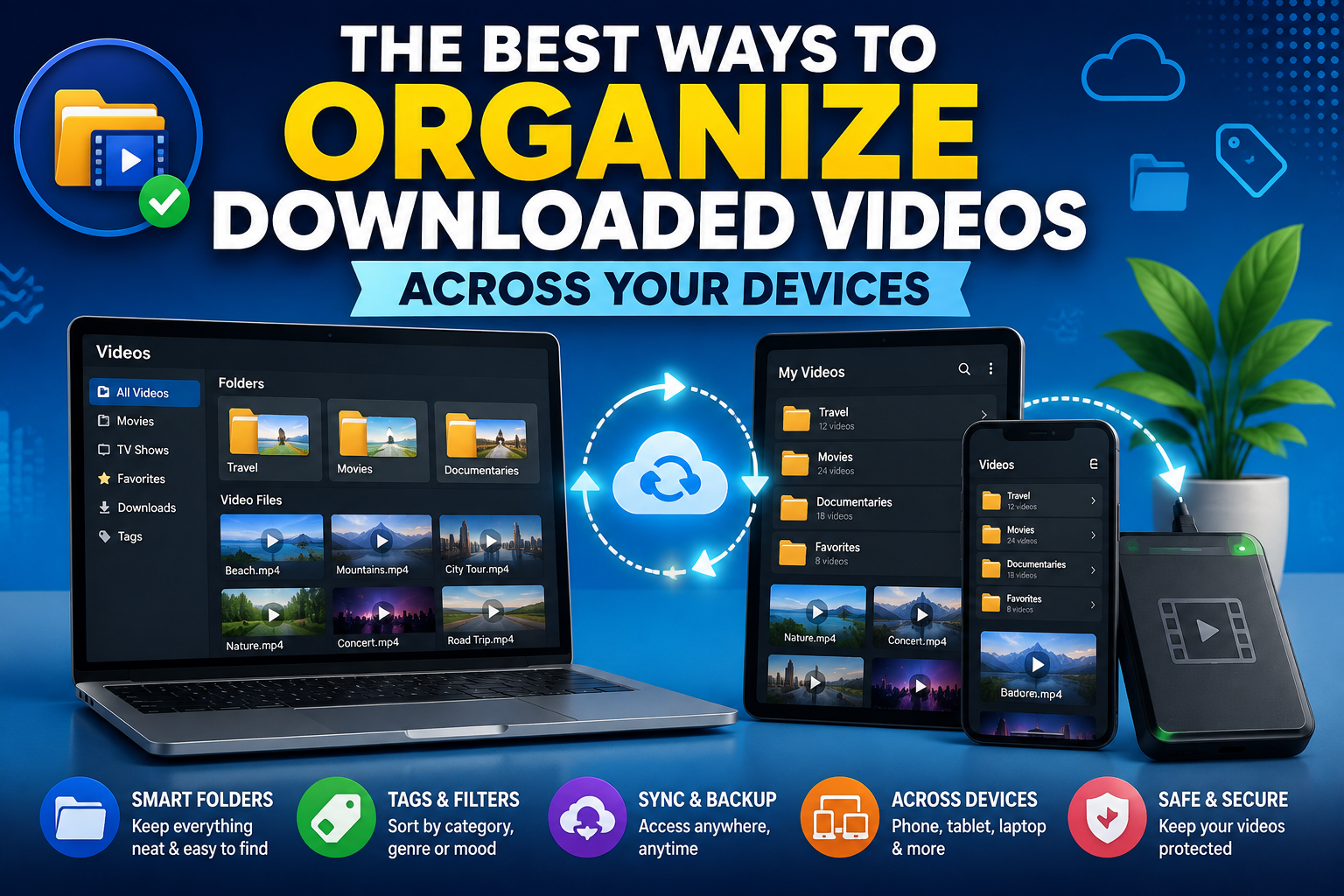
The Best Ways to Organize Downloaded Videos Across Your Devices
Downloading a video is the easy part. Finding it again three weeks later, especially if you regularly save clips across multiple devices, is where things tend t...
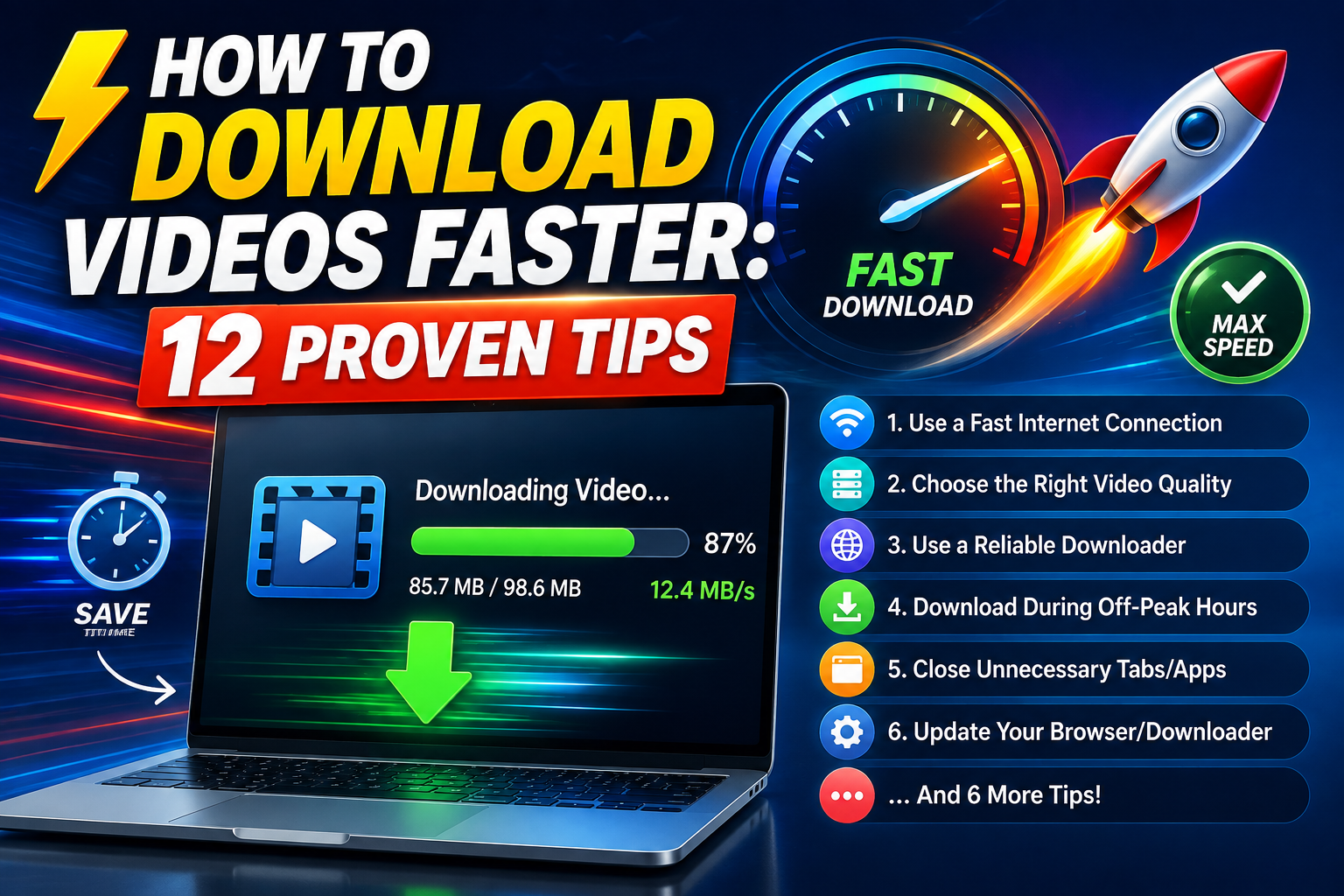
How to Download Videos Faster: 12 Proven Tips
Slow downloads are frustrating, especially when you're trying to grab a quick reference clip or save something before you lose the link. Some of what affects do...
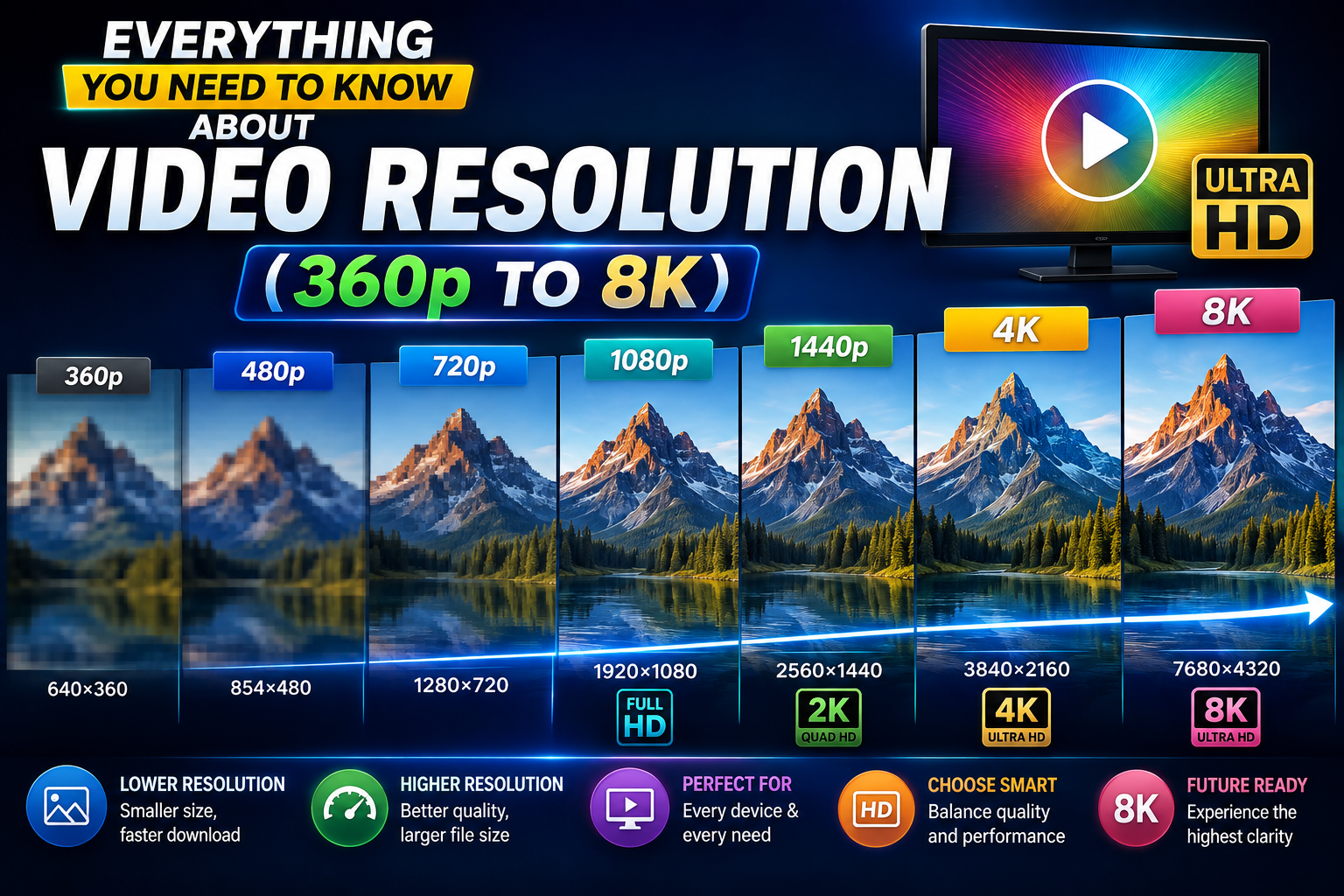
Everything You Need to Know About Video Resolution (360p to 8K)
Resolution is the most commonly cited video quality metric, and also one of the most misunderstood. People throw around "1080p" and "4K" constantly, but few act...
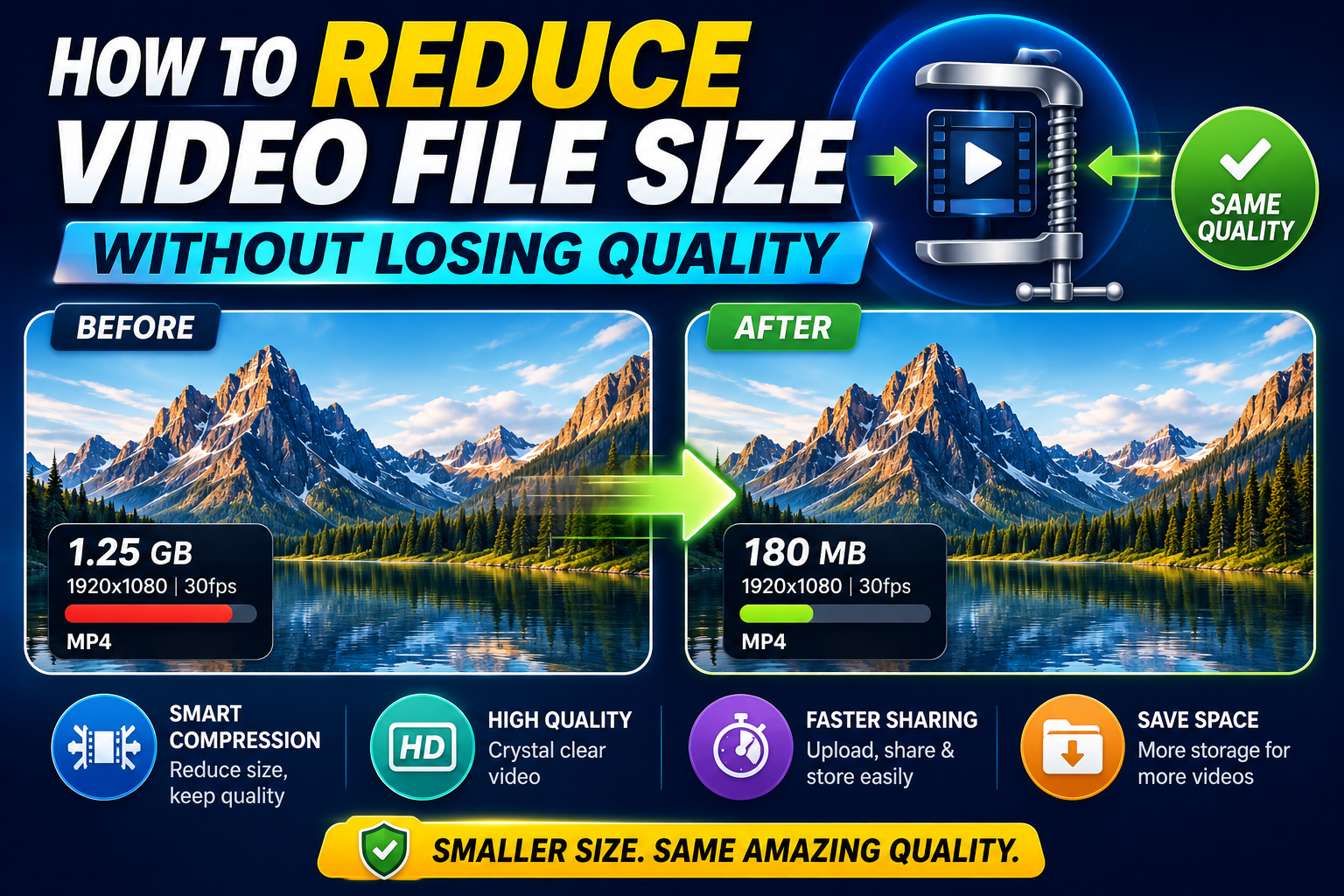
How to Reduce Video File Size Without Losing Quality
Large video files eat up storage fast, and not everyone has unlimited space or bandwidth to work with. The good news is that reducing file size doesn't have to...

The Future of Online Video Downloaders: Trends to Watch
The online video downloader space has changed considerably over the past several years — from clunky, single-purpose tools to genuine workspaces that handle sea...
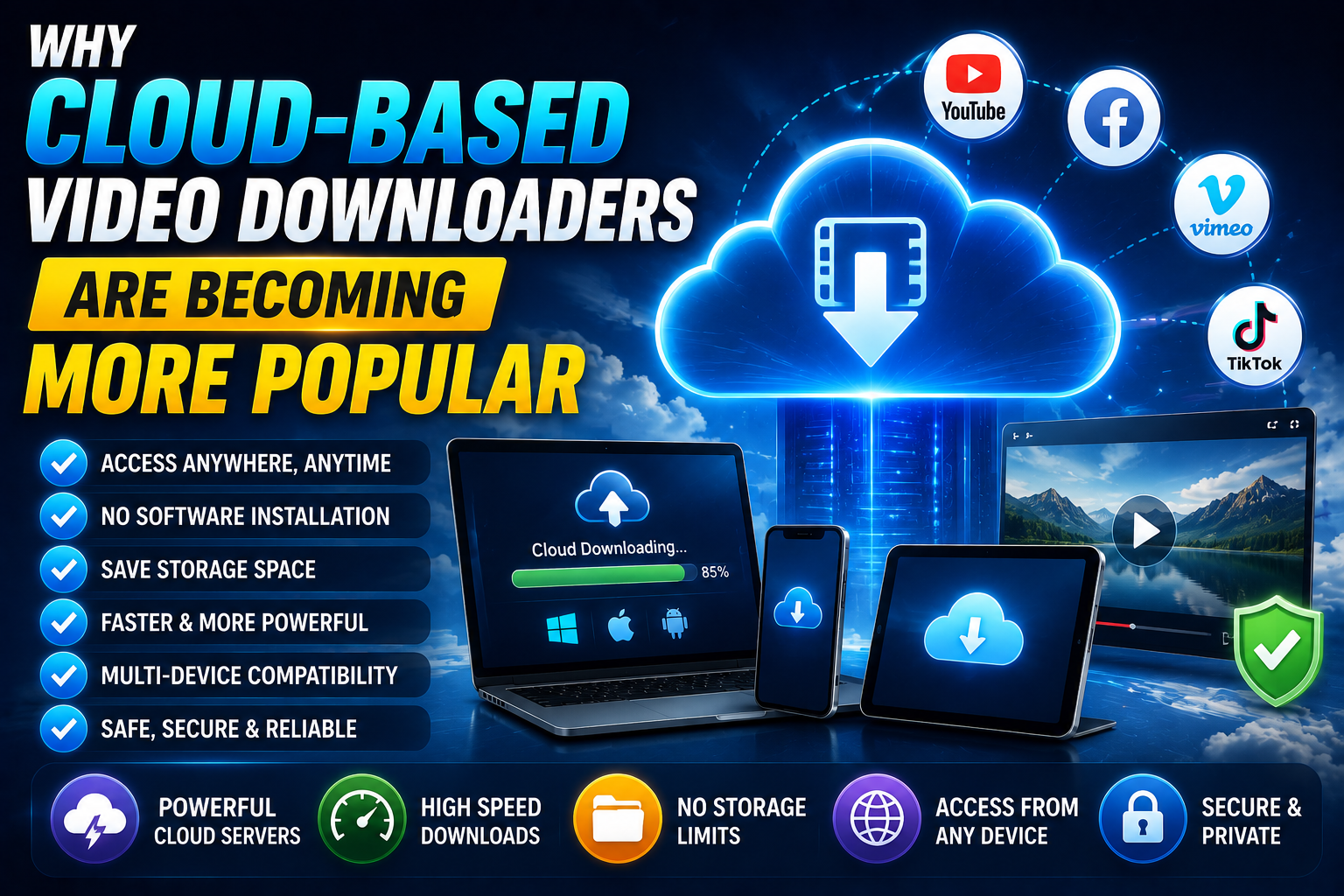
Why Cloud-Based Video Downloaders Are Becoming More Popular
If you've noticed more video downloader tools describing themselves as "cloud-based" or entirely browser-first in recent years, that's not a coincidence — it re...
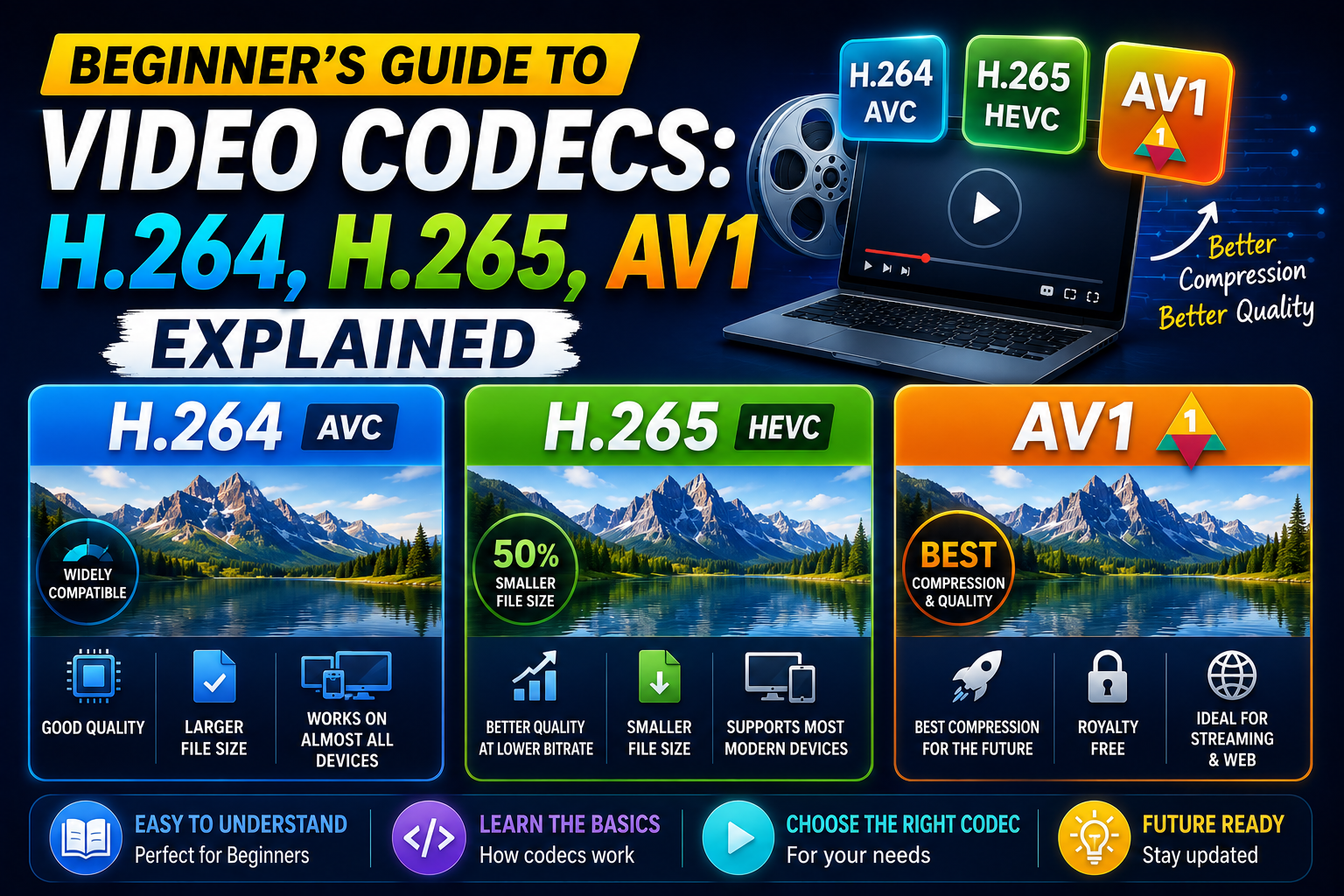
Beginner's Guide to Video Codecs: H.264, H.265, AV1 Explained
Codecs are one of those technical concepts that quietly affect nearly every video you watch or download, without most people ever needing to think about them di...
List Formatting Test
test
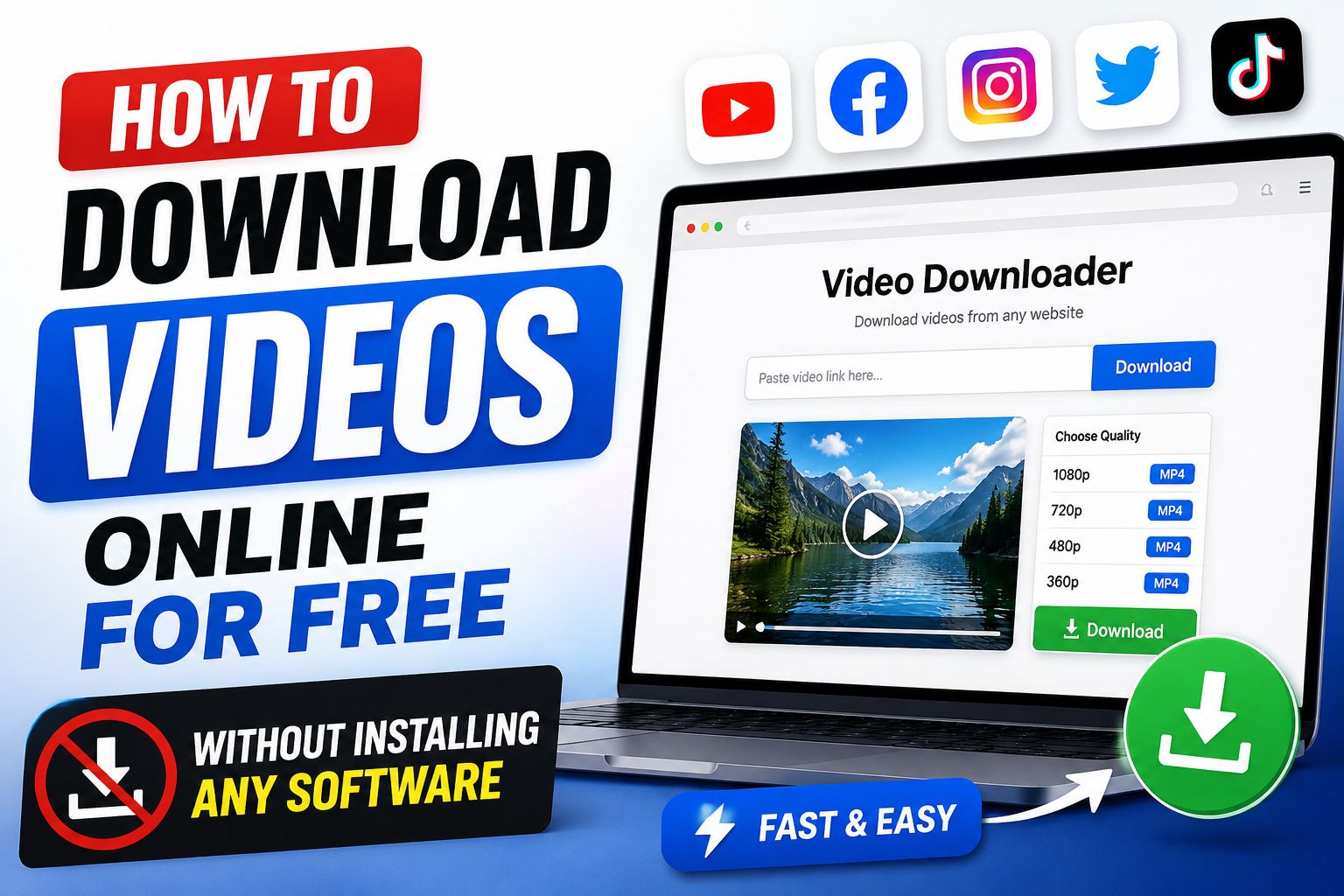
How to Download Videos Online for Free Without Installing Any software
There was a time when downloading a video meant installing some clunky desktop program, clicking through three "recommended" toolbars you never asked for, and h...