There was a time when downloading a video meant installing some clunky desktop
program, clicking through three "recommended" toolbars you never asked for, and hoping
your antivirus didn't flag the installer halfway through. It was slow, it felt risky, and half the
time the software stopped working the moment the platform you were downloading from
changed something on their end.
Thankfully, that entire process is no longer necessary. Today, you can download videos
online for free using nothing but your browser — no install, no update prompts, no leftover
files cluttering your device. This guide walks through exactly how that works, why it's become the standard approach, and what to look for so you pick a tool that's actually good.
Why People Are Moving Away from Downloader Software
For years, desktop downloader apps were the default option simply because browser
technology hadn't caught up yet. That's changed. A few specific problems pushed people
toward software-free alternatives:
Storage bloat. Every installed application takes up space, and video downloader software
in particular tends to come with extra dependencies, codecs, and background processes
that quietly accumulate over time.
Constant update cycles. Platforms like YouTube, Instagram, and TikTok change how they
serve video data fairly regularly. A desktop app that isn't actively maintained by its
developer will simply break — sometimes for weeks — until a new version is released.
Security concerns. Every .exe or .dmg file you download from an unfamiliar developer is a
small trust decision. Some free downloader software has historically bundled in adware,
browser hijackers, or other unwanted programs as part of the "free" installer.
Device lock-in. Software installed on your laptop doesn't help you at all when you're on
your phone, a shared family computer, or a work machine where you don't have permission
to install anything.A browser-based video downloader sidesteps every one of these issues at once. It runs
entirely inside a browser tab, so there's genuinely nothing to install, nothing to update
manually, and nothing left behind once you close the tab.
How Browser-Based Downloading Actually Works :
At a technical level, a web-based downloader acts as an intermediary. You give it a public
video link, it identifies the actual video file being served by that platform, and it hands that
file to your browser's normal download system — the same one that handles any PDF or
image you download from the web. Nothing gets installed on your machine; the "download"
is just a regular file transfer, exactly like downloading any other file from any other website.
This is also why browser-based tools tend to be more consistent across devices. Since the
heavy lifting happens on the tool's server, your device doesn't need any special software or
processing power — it just needs a browser, which every phone, tablet, and computer already has.
Step-by-Step: How to Download a Video Without Installing Anything :
The general process looks like this, regardless of which platform the video is on:
Copy the video's public link. Every major platform has a share or copy-link button
on public posts — this is the URL you'll use.
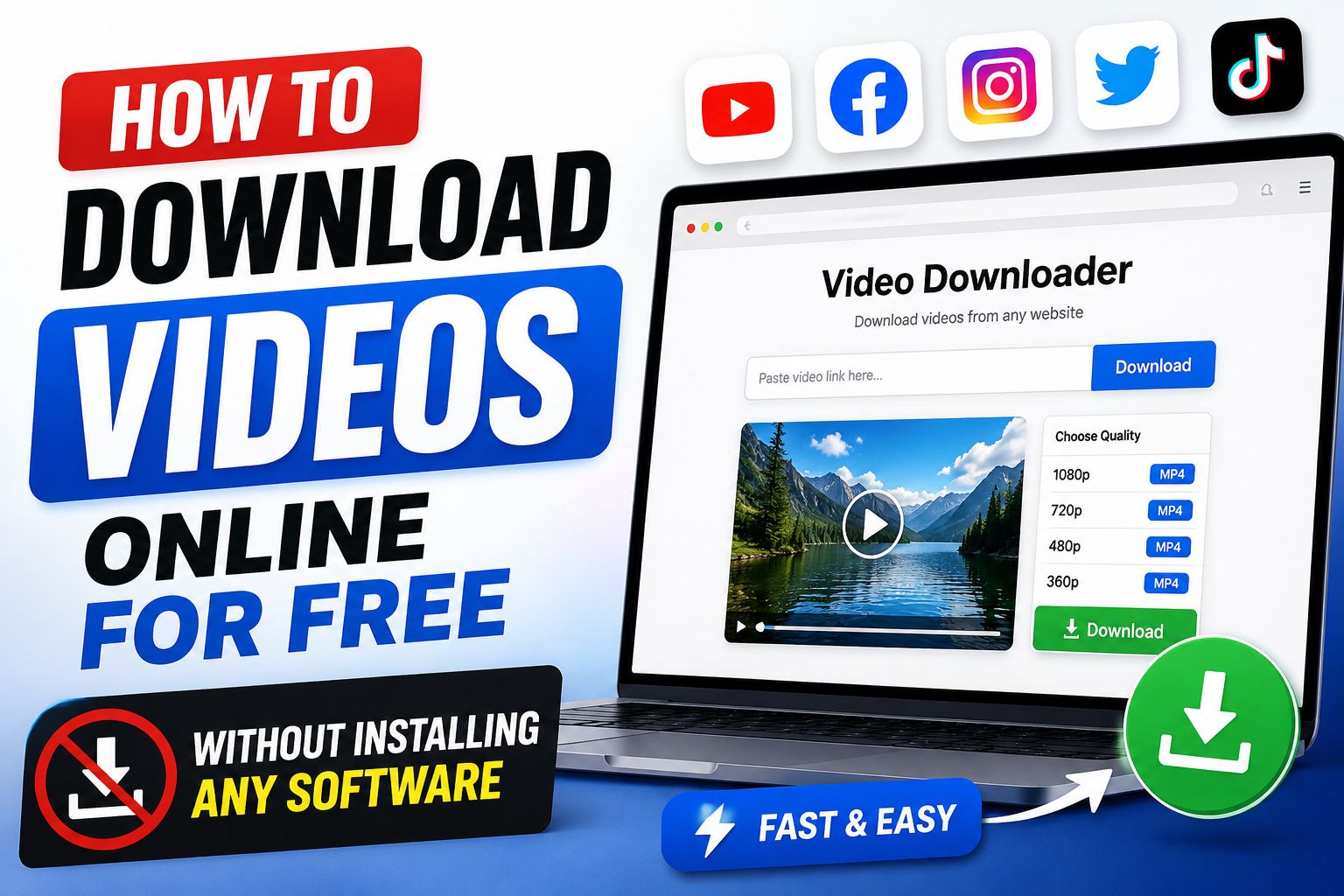
Open a browser-based downloader, such as White Hole, in any browser tab.
Paste the link into the input field on the homepage.
Let the tool validate the source. A good downloader will visibly show you this step
happening, rather than leaving you staring at a blank screen.
Download the file directly through your browser's standard download flow — the
same process as downloading any other file.
That's the entire process. No account creation, no software install, no waiting for a setup
wizard to finish.
What to Look for in a Free Online Video Downloader :
Not all web-based downloaders are built the same, and the free-tool space in particular has a wide quality gap. A few things separate a genuinely useful tool from a thin, ad-stuffed page:
Clear feedback throughout the process. You should be able to see when a link is being processed, not just a spinning icon with no explanation of what's happening.
No forced pop-ups or redirects. A trustworthy tool won't try to send you to unrelated pages before letting you actually download your file.
Support for multiple platforms. YouTube, Instagram, TikTok, Facebook, and others, ideally all handled in one place rather than needing a different tool for each.
Original quality output. The file you receive should match the quality of the source — not a compressed, lower-resolution copy of it.
No unnecessary sign-up requirement. For basic, everyday downloading, you shouldn't need to create an account just to save a public video.
This is exactly the space White Hole was built for. It works as a browser-based, all-in-one video downloader — no software, no sign-in required, and no watermarks added to your downloads. You paste a link (or search if you don't have one yet), and the workspace handles validation and the handoff to your browser's download flow, with a visible progress panel so you're never guessing what's happening behind the scenes.
What You Can (and Can't) Download for Free :
Free online video downloaders are meant for public content — videos you have the right to save, like your own posts, permitted creator backups, reference clips for a project, or educational material intended for offline viewing.
Certain categories of content generally won't work, and this is intentional rather than a flaw in the tool:
Private posts that require a login or specific permission to view.