Desktop video downloader software isn't new — it's been around in various forms for well over a decade. But it's increasingly the harder path compared to a browser-based alternative, and the gap has widened significantly in recent years. Here's an honest, detailed look at why, and where desktop software still occasionally makes sense.
The Case Against Desktop Downloader Apps
Desktop software comes with a specific, recurring set of problems that browser-based tools simply don't have to deal with.
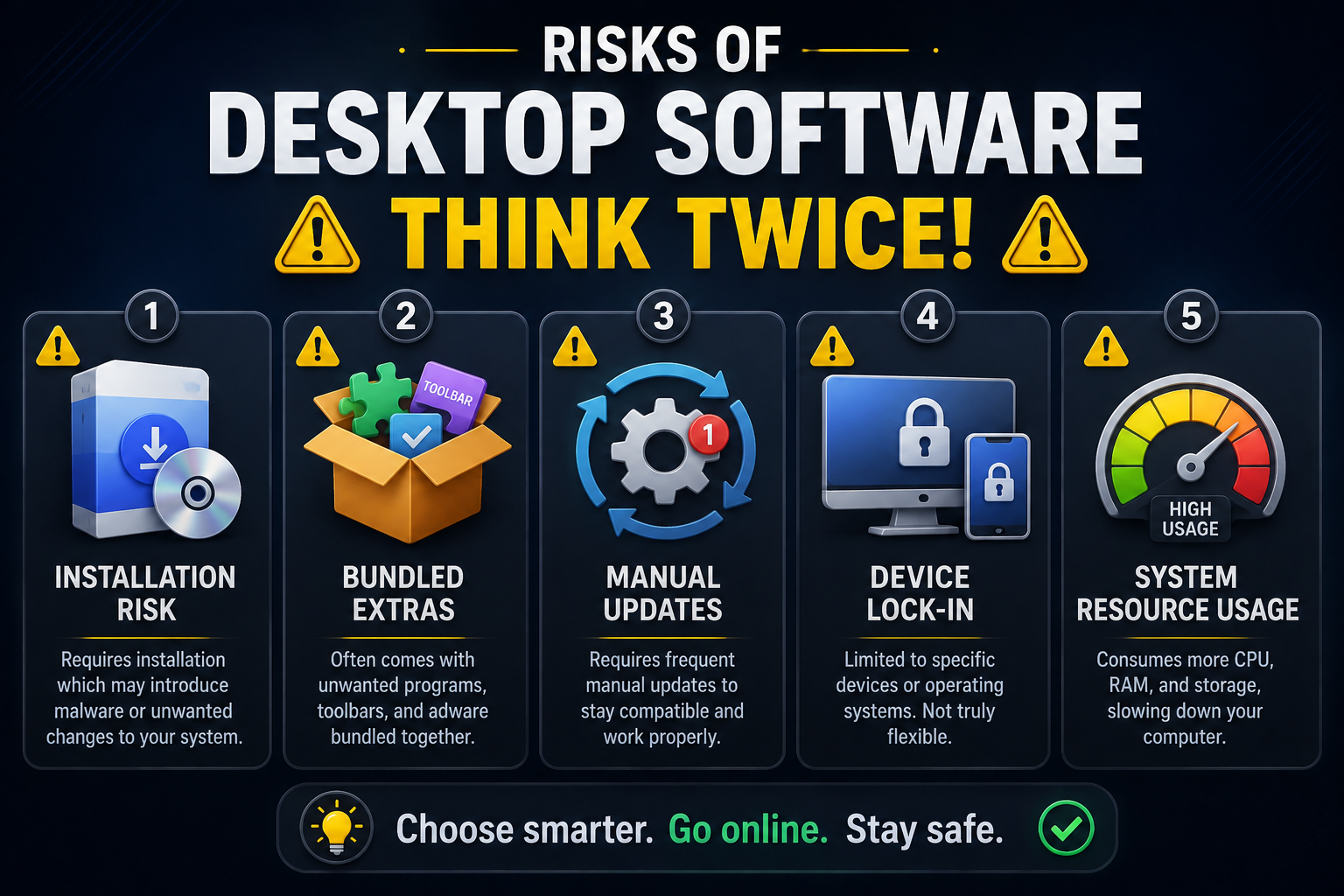
Installation risk. Downloading an .exe or .dmg file from a lesser-known developer is inherently riskier than opening a webpage. You're granting a program access to your system, and unless the developer is well-established, there's no easy way to verify exactly what that installer is doing behind the scenes.
Bundled extras. Many free desktop downloaders historically bundled in browser toolbars, adware, or other unwanted software during installation — sometimes hidden behind a "custom install" option that's easy to miss if you're clicking through quickly.
Manual updates. Platforms change how they serve video data fairly often — sometimes as part of routine infrastructure changes, sometimes deliberately to prevent scraping. A desktop app that isn't actively maintained will simply stop working until you manually download and install a new version, which can take days or weeks depending on the developer's release schedule.
Device lock-in. Software installed on one computer doesn't help you at all when you're on your phone, a friend's laptop, or a work computer where you don't have permission to install anything. You end up needing multiple different tools for different devices, or simply being unable to download anything at all in certain situations.
System resource usage. Even when idle, some desktop applications run background processes that consume memory and processing power, contributing to general system slowdown over time — something a browser tab simply doesn't do once you close it.
Why Browser-Based Tools Solve This
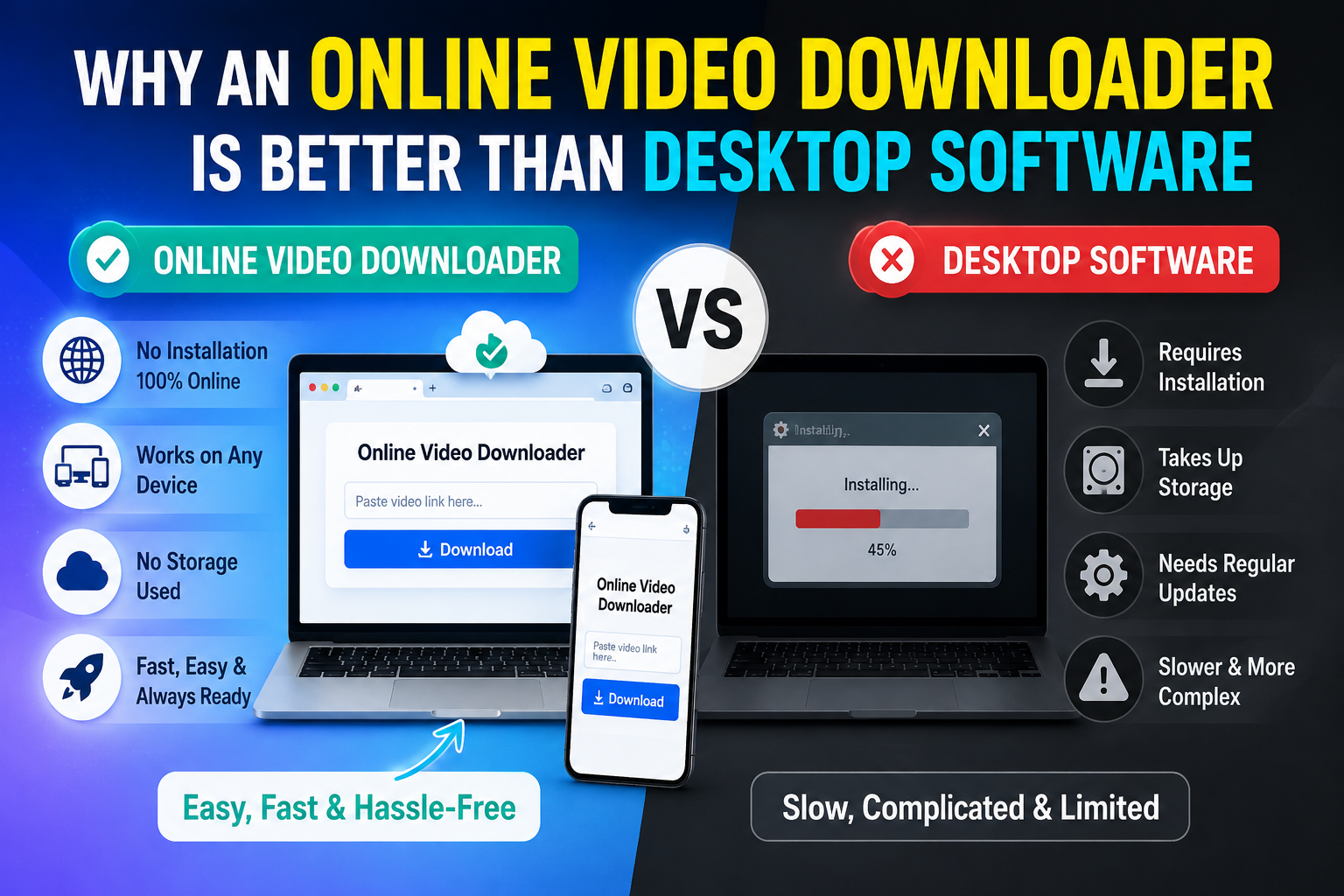
An online video downloader works entirely inside your browser tab. There's nothing to install, which removes the installation risk and the bundled-software problem in one step. Updates also happen instantly on the provider's end — you don't need to manually download a new version when a platform changes something, since the fix happens server side and is live the next time you use the tool. Cross-device access is the other significant advantage. The same online tool works whether you're on a desktop, a shared computer, or your phone, since it's not tied to a single installation. This matters more than it might initially seem — plenty of people download videos occasionally on a work laptop, a friend's computer, or a public library computer where installing software simply isn't an option.
Where Browser-Based Downloaders Used to Fall Short (and What's Changed)
Historically, the trade-off was that online tools felt more limited — often just a single input box with no search functionality, weak feedback on download progress, and inconsistent output quality compared to dedicated software. That gap has closed significantly over the past few years as web technology and browser capabilities have matured.
White Hole is a good example of how far browser-based downloading has come. Instead of a single link field, it offers:
URL Download and Search Download — so you're covered whether you have a link or just remember the platform and topic.
Clear progress feedback — you see validation, preparation, and completion states instead of a blank spinner with no explanation.
Original quality output — no compression shortcuts, no watermark added to your files.
No sign-in required — you can start downloading immediately, without creating an account or providing personal information.
Consistent behavior across browsers and devices — Chrome, Firefox, Safari, Edge, Opera, and Brave, on desktop or mobile alike.
A Direct Comparison
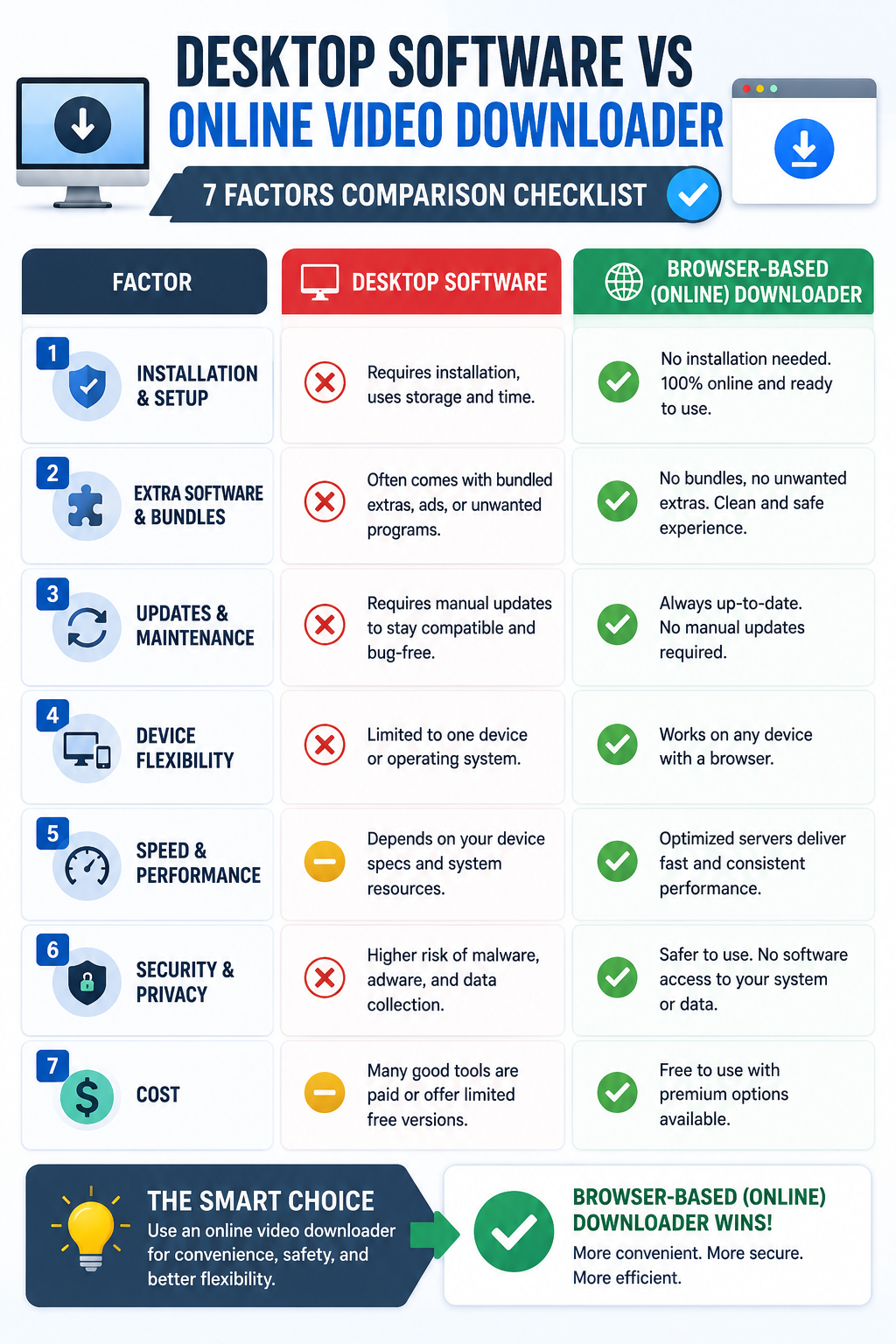
Factor | Desktop Software | Browser-Based Downloader |
|---|---|---|
Installation required | Yes | No |
Update process | Manual, often delayed | Automatic, server-side |
Cross-device access | Limited to installed devices | Works anywhere with a browser |
Risk of bundled software | Higher | Low, especially on reputable tools |
System resource usage | Ongoing | None when tab is closed |
Setup time | Several minutes | Seconds |
Works on shared/work computers | Often not possible | Usually fine |
When Desktop Software Might Still Make Sense
To be fair, there are edge cases where dedicated desktop tools still have an advantage. Heavy batch-processing workflows — downloading hundreds of files in an automated sequence — or highly specialized format conversions might still be handled better by purpose-built desktop software designed specifically for that task. Professional video production pipelines sometimes rely on desktop tools integrated directly with editing software.
But for the overwhelming majority of everyday video-saving needs — grabbing a clip for reference, saving your own post as a backup, downloading an educational video for offline viewing — that extra complexity simply isn't necessary, and the browser-based approach gets the job done faster and with less risk.
Addressing the Speed Myth
A common assumption is that installed software must be faster since it's "native" to your system. In reality, the actual download speed depends primarily on your internet connection and the tool's server infrastructure, not whether the software is installed locally. The video file itself has to travel over the internet either way — installing an app locally doesn't make that transfer any faster. If anything, browser-based tools often feel faster in practice, since there's no separate app to open, no local processing delay, and no waiting for the software itself to load before you can even start.
Privacy Considerations
Desktop software, once installed, sometimes has broader access to your system than is strictly necessary for its function — and it can be harder to audit exactly what data it collects or transmits compared to a browser-based tool, which operates within your browser's sandboxed environment and is generally more constrained in what it can access on your device. This isn't true of every desktop app, but it's a meaningful consideration when comparing the two approaches from a privacy standpoint.
Making the Switch from Desktop to Browser-Based
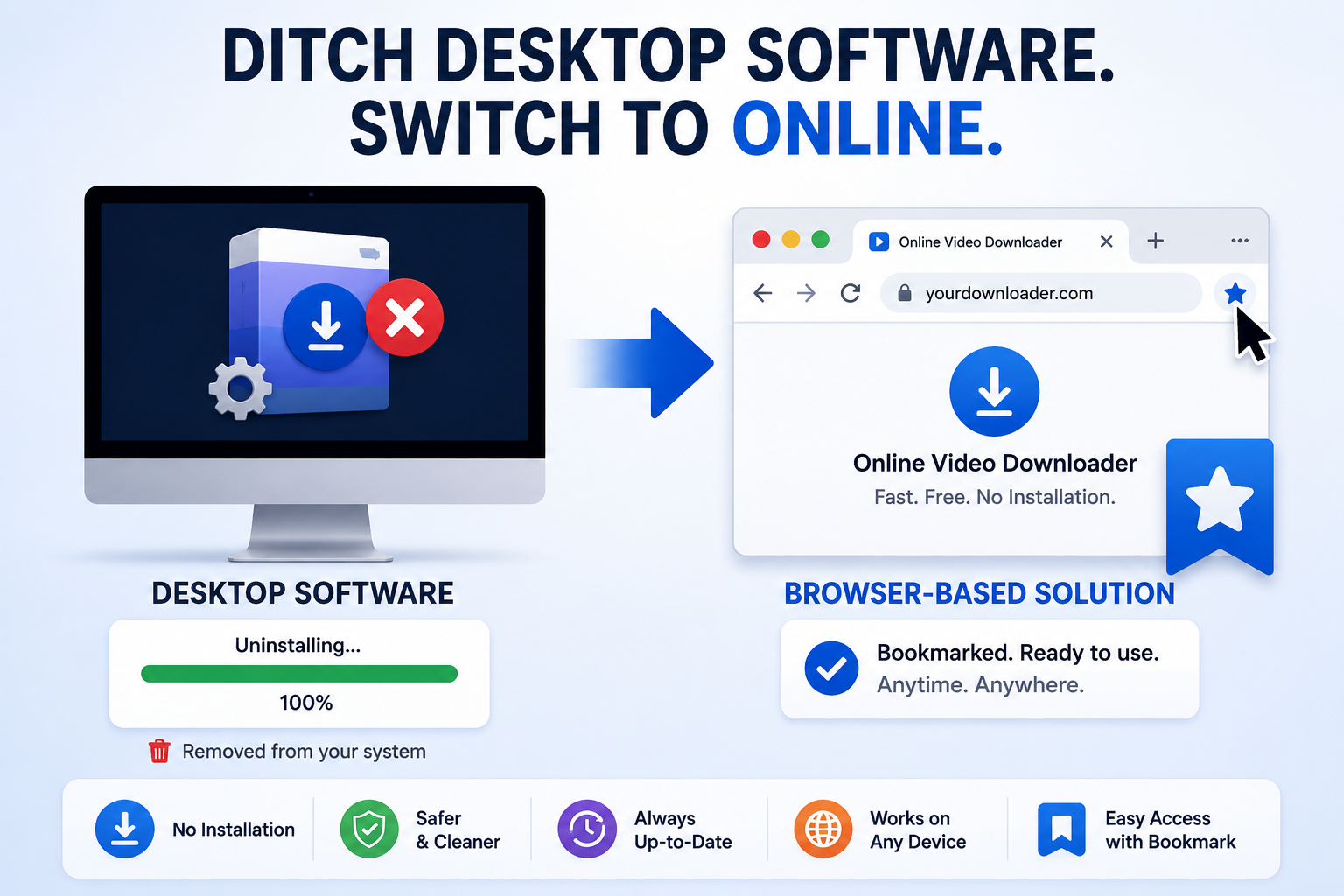
If you've relied on desktop software for a while, switching over is simpler than it might seem. Start by uninstalling the old software once you're confident the new tool covers your needs — this alone frees up storage and removes any background processes it was running. Bookmark your browser-based tool of choice for quick access, and if you relied on the desktop app's batch features, check whether the online tool offers something comparable (many all-in-one workspaces are adding batch-style search-and-download flows as this category matures). For most everyday use, the transition takes only a few minutes and immediately removes the recurring maintenance burden that desktop software carries.
Frequently Asked Questions
Is a browser-based downloader as reliable as desktop software?
Yes, and often more so, since updates happen automatically on the provider's end rather than requiring you to manually reinstall a new version.
Do I lose any features by not using desktop software?
For everyday downloading, no. Browser-based tools like White Hole now offer search, multi-platform support, and quality preservation that used to be exclusive to desktop apps.
Is it safe to use a browser-based downloader on a work or shared computer?
Yes — since nothing is installed, there's no lasting change to the computer, which makes it a safer option for shared or restricted devices.
Will a browser-based downloader work if I switch browsers?
Yes, as long as the tool supports the major browsers, which White Hole does across Chrome, Firefox, Safari, Edge, Opera, and Brave.
The Bottom Line
Unless you have a very specific, heavy-duty batch-processing use case, there's little reason to install desktop software for video downloading anymore. A well-built browser-based tool like White Hole gets you the same result — faster, safer, and without leaving anything behind on your device — while also working consistently no matter which device you happen to be using at the time.