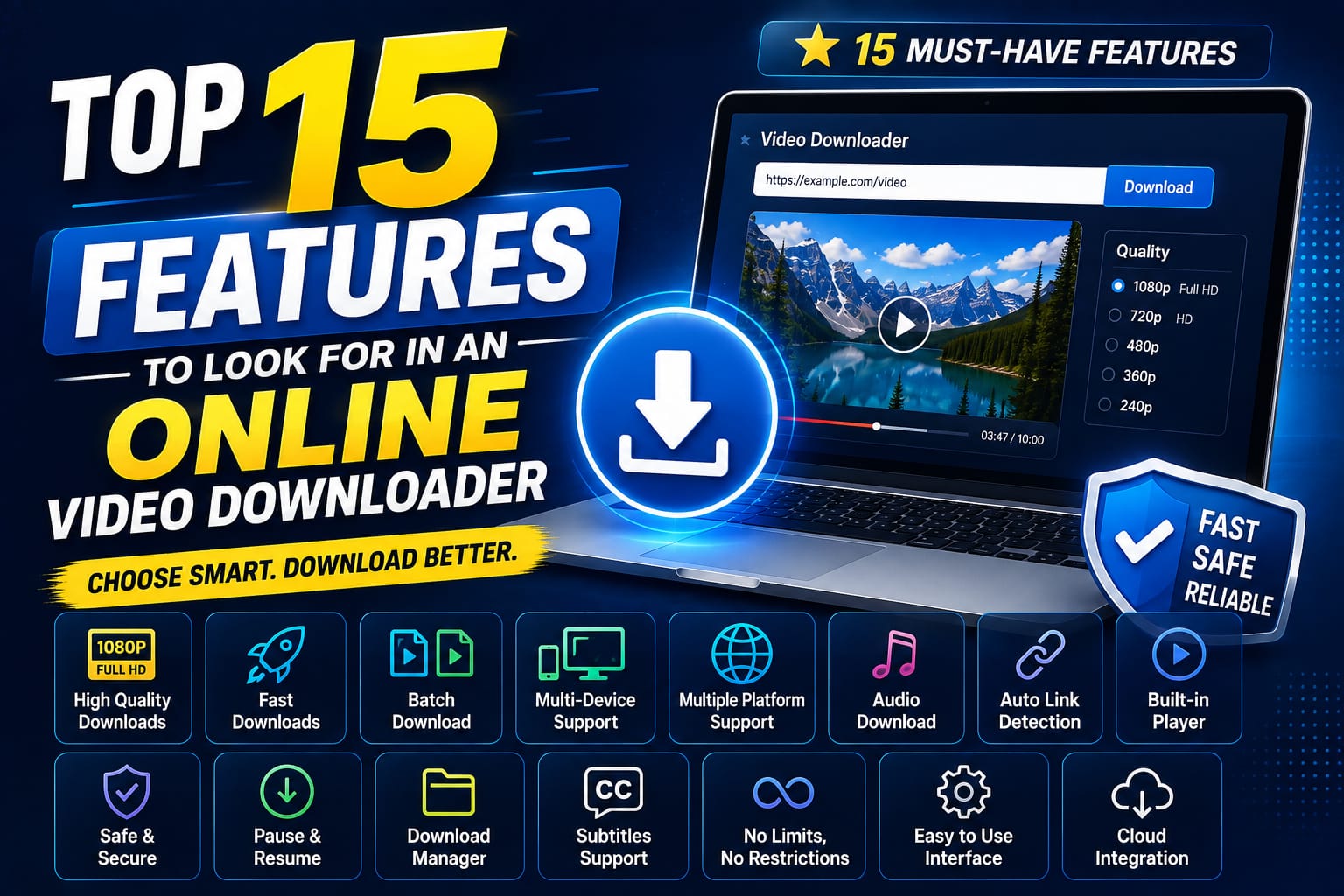
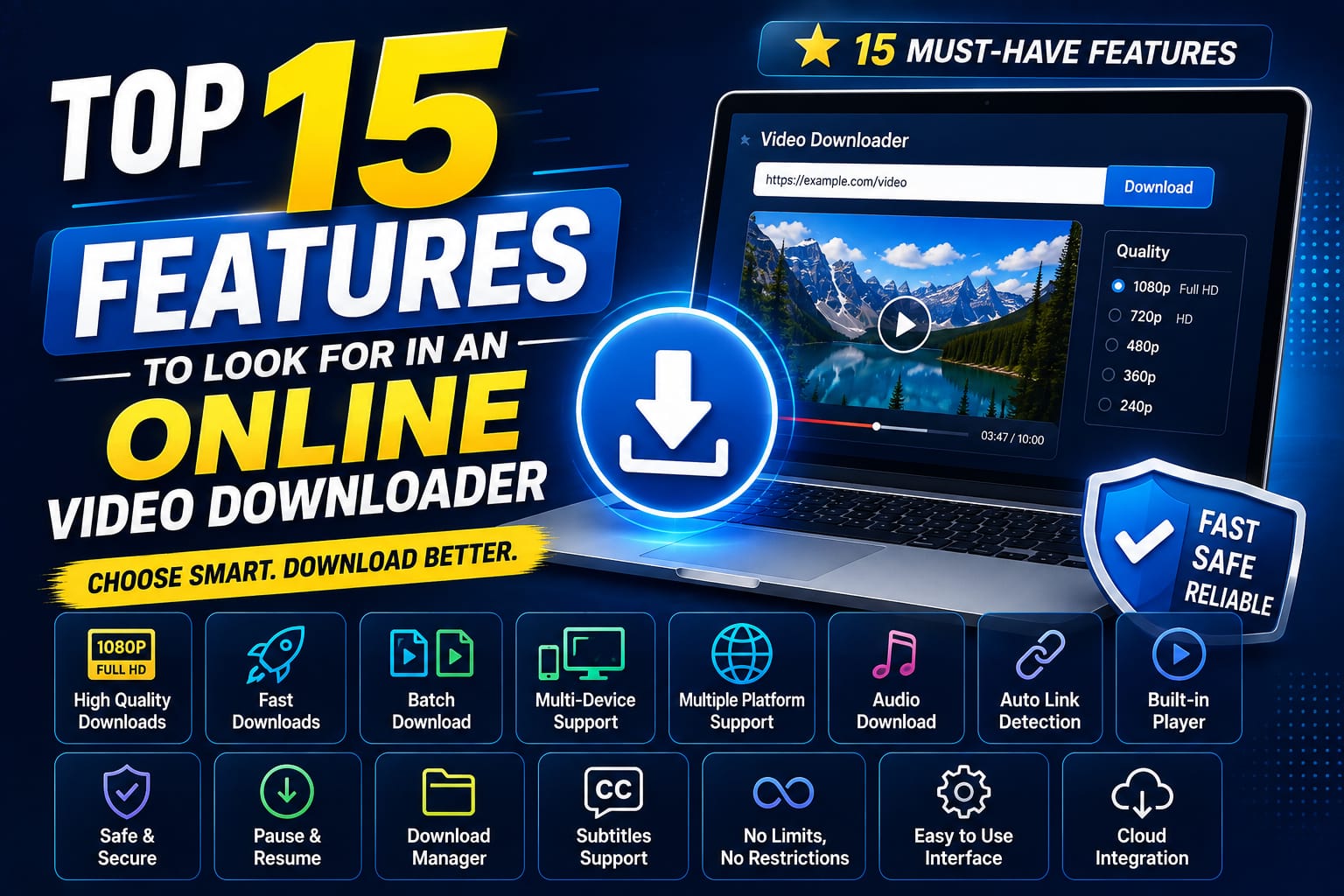
Most video downloader sites look similar at a glance, but the details matter a lot once you actually start using one regularly. Here are the 15 features worth checking for before you commit to a tool, along with why each one genuinely matters in day-to-day use rather than just sounding good on a features list.
Original Quality Preservation The downloaded file should match the source resolution — no silent compression, no re encoding shortcuts that quietly degrade the video during processing. This is arguably the single most important feature, since a downloader that fails here undermines the entire point of downloading in the first place.
1. Original Quality Preservation
The downloaded file should match the source resolution — no silent compression, no re encoding shortcuts that quietly degrade the video during processing. This is arguably the single most important feature, since a downloader that fails here undermines the entire point of downloading in the first place.
2. No Watermarks
A downloader that stamps its own branding onto your video is altering the file, and usually degrading it slightly in the process. It also makes the file less useful if you ever want to use it for editing, presentations, or archiving without an unwanted logo baked in.
3. Multi-Platform Support
Being able to download from YouTube, Instagram, TikTok, Facebook, and more — without switching between different tools for each platform — saves real time and avoids the frustration of having five different bookmarked sites for five different platforms.
4. Search, Not Just Paste
A genuinely useful downloader lets you find a video by topic, creator, or platform when you don't already have a direct link. This single feature separates a basic tool from a real workspace, since not having a link handy is one of the most common reasons people struggle with downloader sites in the first place.
5. Clear Progress Feedback
You should be able to see when a link is validating, when a result is ready, and when something's gone wrong — not just a blank spinner that leaves you guessing whether the tool is actually working or has simply frozen.
6. No Forced Pop-Ups
Clicking download should download the file. Extra tabs and redirects are a clear sign of an ad-driven, lower-trust site prioritizing ad revenue over your actual task. 7.
7. No Sign-In Requirement
For everyday, public-content downloading, you shouldn't need to create an account just to get started. Requiring sign-up for basic functionality is often a sign of unnecessary data collection rather than genuine functional need.
8. Cross-Device Compatibility
A downloader that works the same on your phone, tablet, and desktop saves you from relearning the process every time you switch devices, and means you're never stuck without a working option depending on what you happen to have on hand.
9. Browser Compatibility
Support across Chrome, Firefox, Safari, Edge, Opera, and Brave means you're not locked into using one specific browser just to access a downloader tool that works properly.
10. Honest Limitations
A trustworthy tool tells you plainly what won't work — private posts, DRM-protected content, region-restricted media — instead of implying it can download anything from anywhere without exception. This honesty is actually a positive signal, not a shortcoming.
11. Fast, Reliable Downloads
Beyond just working, downloads should complete consistently without frequent stalls, failures, or unexplained errors that force you to retry the same link multiple times.
12. Recent History (Without an Account)
A lightweight, local history that lets you re-download a recent file without hunting for the original link again is a genuinely useful convenience feature, particularly if you download regularly and don't want to keep re-searching your platform history.
13. Direct Result-to-Download Handoff
Search results should let you preview, copy, or download directly — without extra steps like copying a link to a separate page, which breaks the flow and adds unnecessary friction to what should be a quick task.
14. Clean, Uncluttered Interface
A downloader shouldn't require guesswork about which button actually starts the download. A cluttered interface with too many competing calls-to-action is both a usability problem and often a sign of an ad-driven site design.
15. A Clear Legal Disclaimer
Good tools are upfront about being built for personal, public-content use — not vague about it. This protects you as a user by setting clear expectations, and it's also a reasonable signal of a more responsibly built tool overall.
How White Hole Covers These
White Hole was built around most of this list directly, rather than treating these as afterthoughts:
Preserves original video quality with no watermarks added to downloaded files.
Supports YouTube, TikTok, Instagram, Facebook, X, Vimeo, LinkedIn, Pinterest, Snapchat, and dozens more platforms through dedicated routes.
Offers both URL Download and Search Download, so you're covered whether or not you have a direct link.
Shows visible progress states throughout the entire download process, from validation to completion.
Removed forced popup behavior specifically to reduce friction and improve overall trust.
Requires no sign-in for core downloading features.
Works consistently across major browsers and devices — desktop, tablet, and mobile alike.
Includes a clear, plain-language disclaimer about public, personal-use downloading.
Stores a lightweight local history for quick re-downloads, without requiring an account.
A Quick Scoring Exercise
If you're comparing a few different downloader tools, try scoring each one against this list — give one point for each feature genuinely present, then compare totals. This turns a subjective "which one feels nicer" decision into something more concrete, and it often reveals that sites with flashy homepages don't always score as well as expected once you actually check for these specific features.
Feature | Why It Matters |
|---|---|
Quality preservation | Determines whether the download is actually usable |
No pop-ups | Determines how safe and frustration-free the experience is |
Platform coverage | Determines how often you'll need a different tool |
Search capability | Determines whether you're stuck without a direct link |
Transparency | Determines how much you can trust the tool long-term |
Features That Sound Good But Rarely Matter
Not every advertised feature is worth prioritizing. Claims like "unlimited downloads" are often meaningless since most legitimate public-content downloading doesn't hit any practical limit anyway. Similarly, flashy "AI-powered" branding without a clear explanation of what that actually does for you as a user is often more marketing language than a genuine functional benefit. It's worth focusing on the concrete, checkable features above rather than being swayed by vague superlatives on a homepage.
Prioritizing Features Based on How You Actually Use a Downloader
Not everyone needs every feature equally, and it's worth thinking about your own usage pattern before deciding which items on this list matter most to you personally.
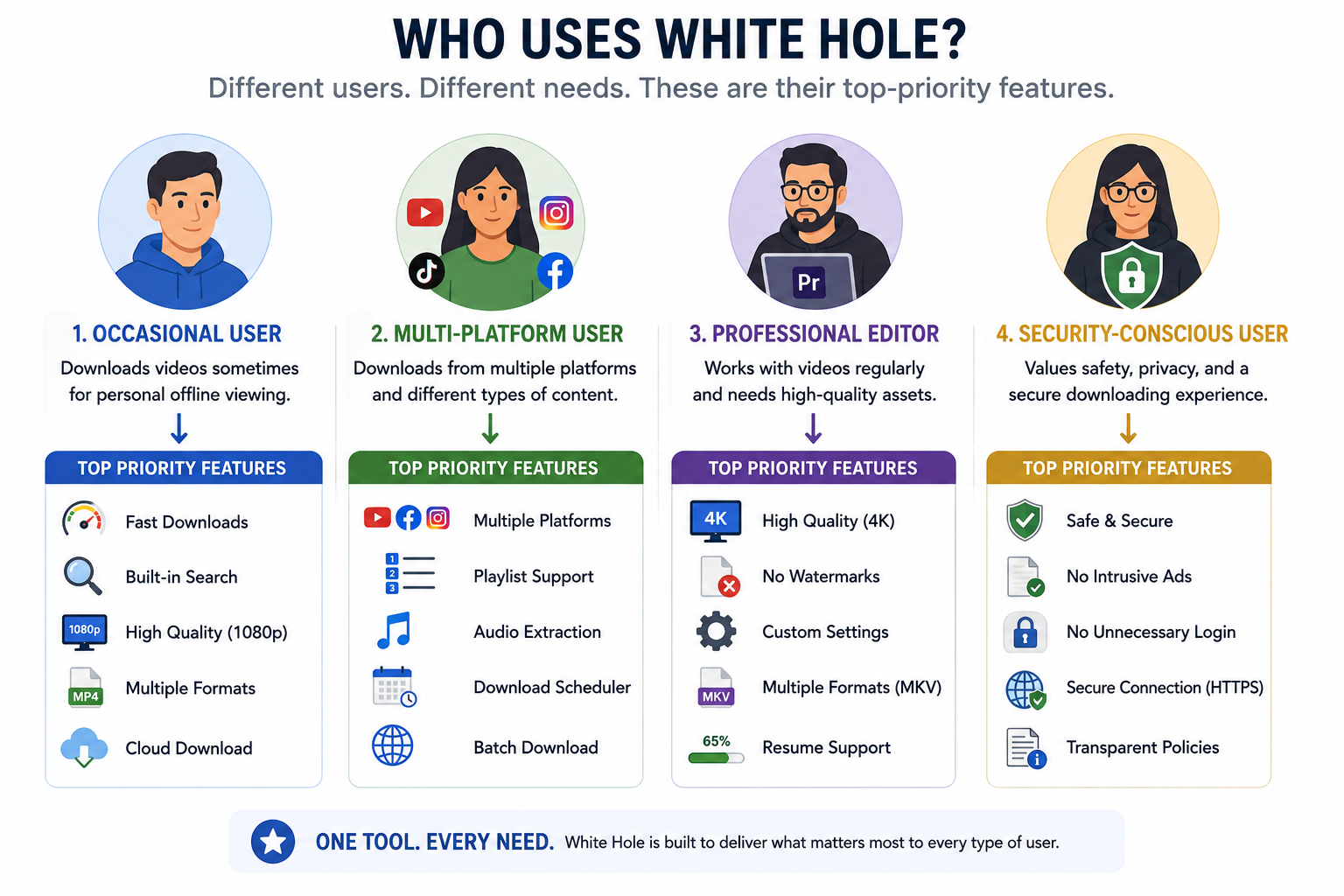
If you download occasionally, for one-off needs: prioritize simplicity, no sign-in requirement, and a clean interface — you want to get in, download, and get out without friction.
If you download regularly across multiple platforms: multi-platform support and search capability become far more valuable, since switching between five different single-purpose tools adds up to real wasted time over weeks and months.
If you're downloading for professional or editing purposes: quality preservation and honest disclosure about source resolution matter most, since a compressed or watermarked file can genuinely compromise a project.
If you're security-conscious or downloading on a shared device: no forced pop-ups, no sign-in requirement, and browser-based (rather than software-based) delivery should be non-negotiable.
Matching the feature list to your actual habits, rather than trying to find a tool that's theoretically perfect at everything, is the more practical way to choose.
Frequently Asked Questions
Which of these 15 features matters most?
Quality preservation and honest transparency about limitations tend to matter most for long-term trust and usability, though the right priority depends somewhat on your specific use case.
Does a free tool need all 15 features to be worth using?
Not necessarily — but the more of these boxes a tool checks, the less likely you are to run into frustration or need to switch tools later.
Is White Hole missing any of these features?
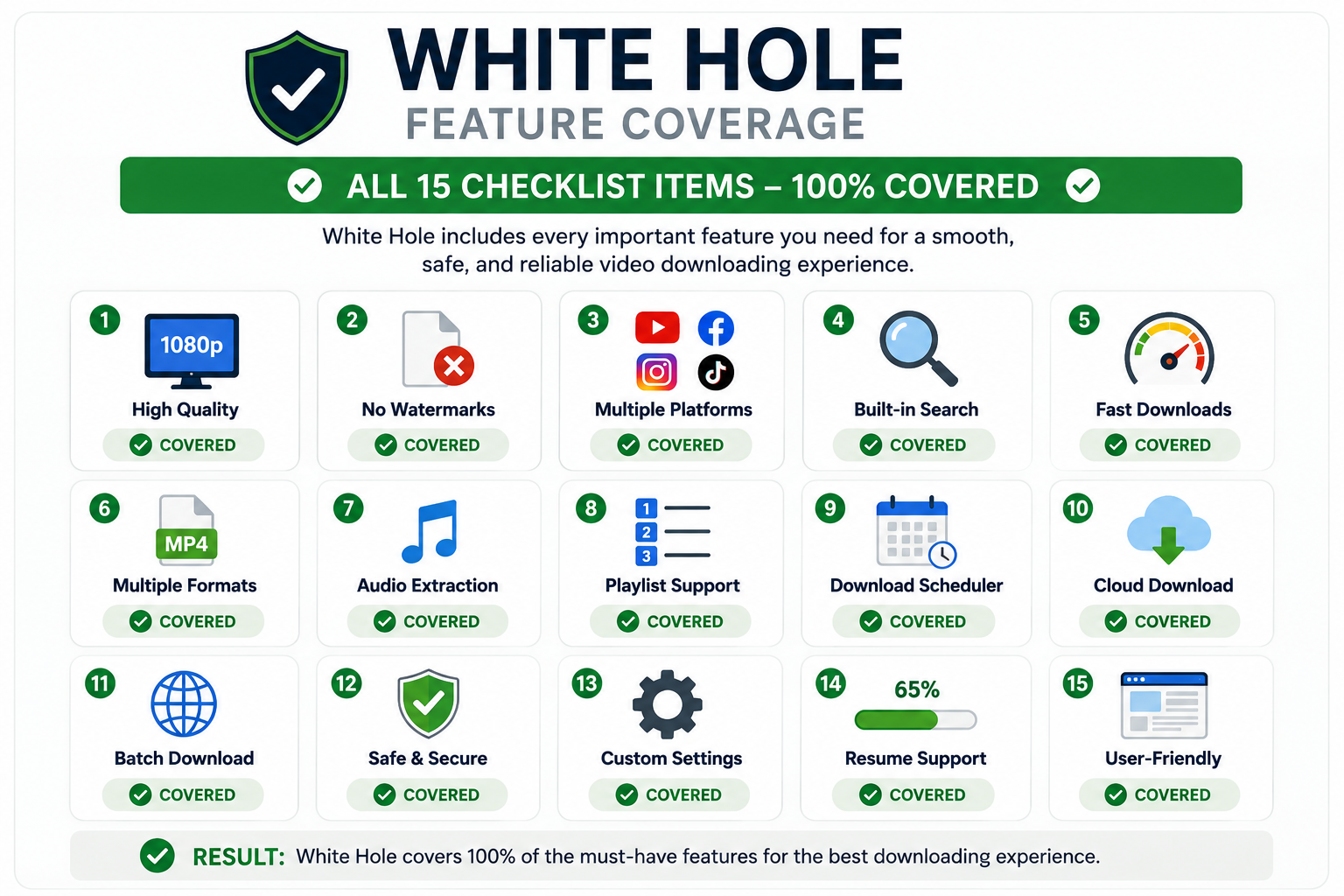
White Hole covers all 15 directly, based on its current design and feature set.
Final Thoughts
When you actually compare downloader tools feature by feature rather than by first impression alone, the differences become obvious fast. Checking a tool against this list before relying on it regularly will save you from switching tools later out of frustration, and it gives you a concrete way to evaluate options beyond just which homepage looks nicest.