
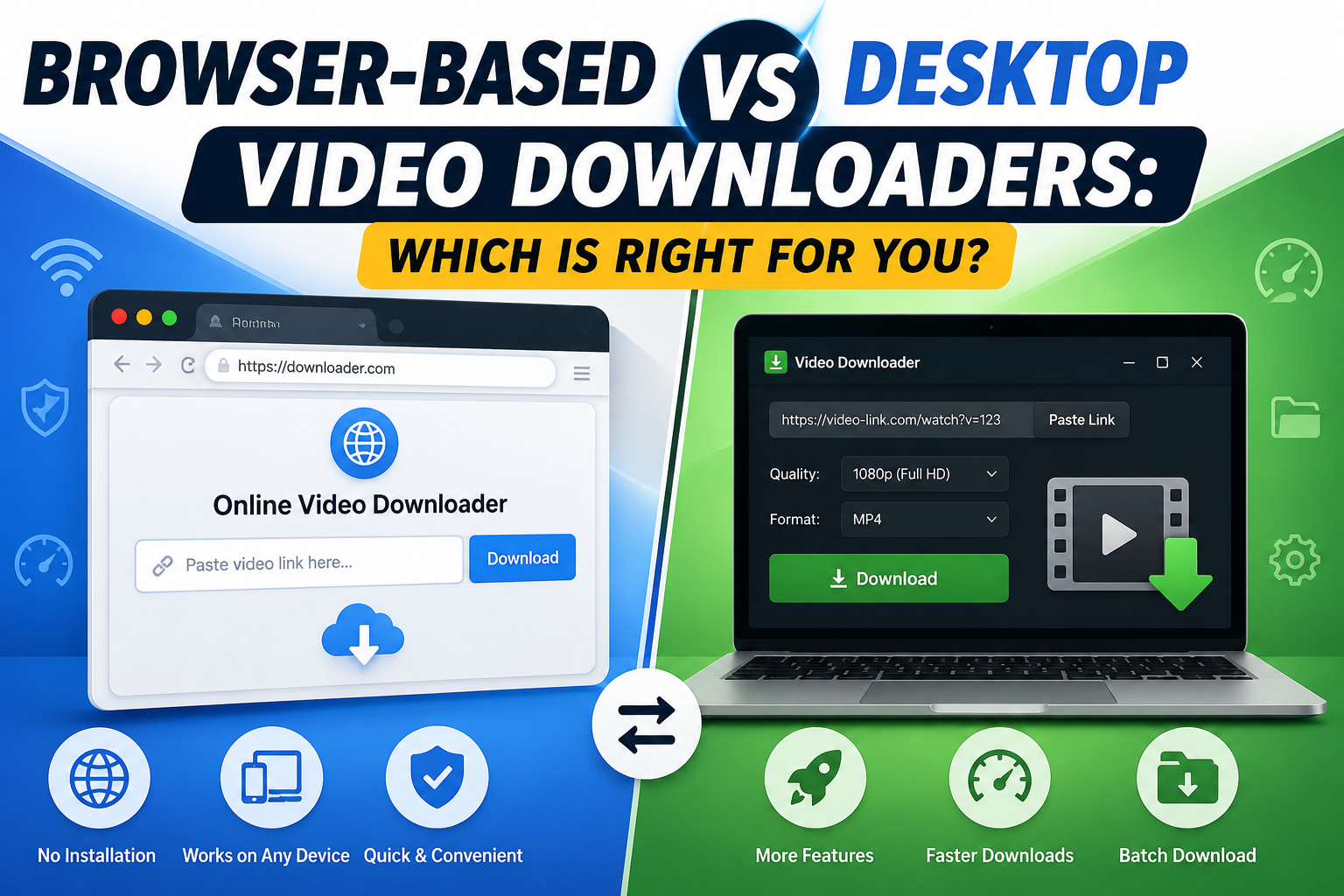
Choosing between a browser-based downloader and desktop software isn't just a matter of preference — the two approaches genuinely work differently, with different trade-offs around safety, convenience, and long-term reliability. Here's a detailed, practical comparison to help you decide which fits your actual needs.
How Each Approach Works
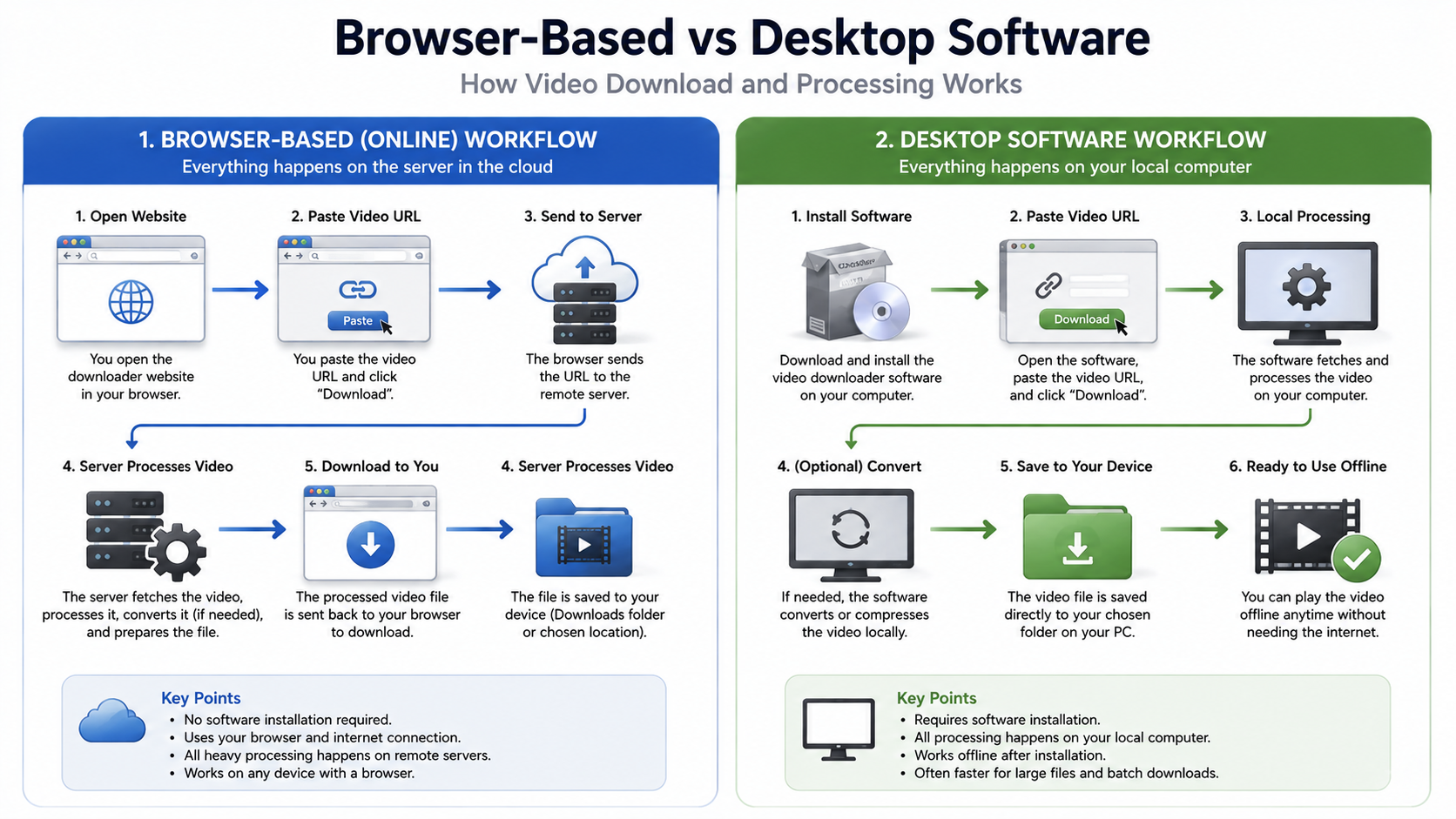
Browser-based downloaders run entirely within a web page. You paste a link, the tool processes it on its own servers, and hands the finished file to your browser's normal download system — the same process used for downloading any file from any website. Nothing is installed on your device.
Desktop software is installed directly onto your computer and runs locally. It typically requires downloading an installer, granting it permissions on your system, and keeping it updated as platforms change how they serve content.
Comparing the Two Approaches
Installation and Setup
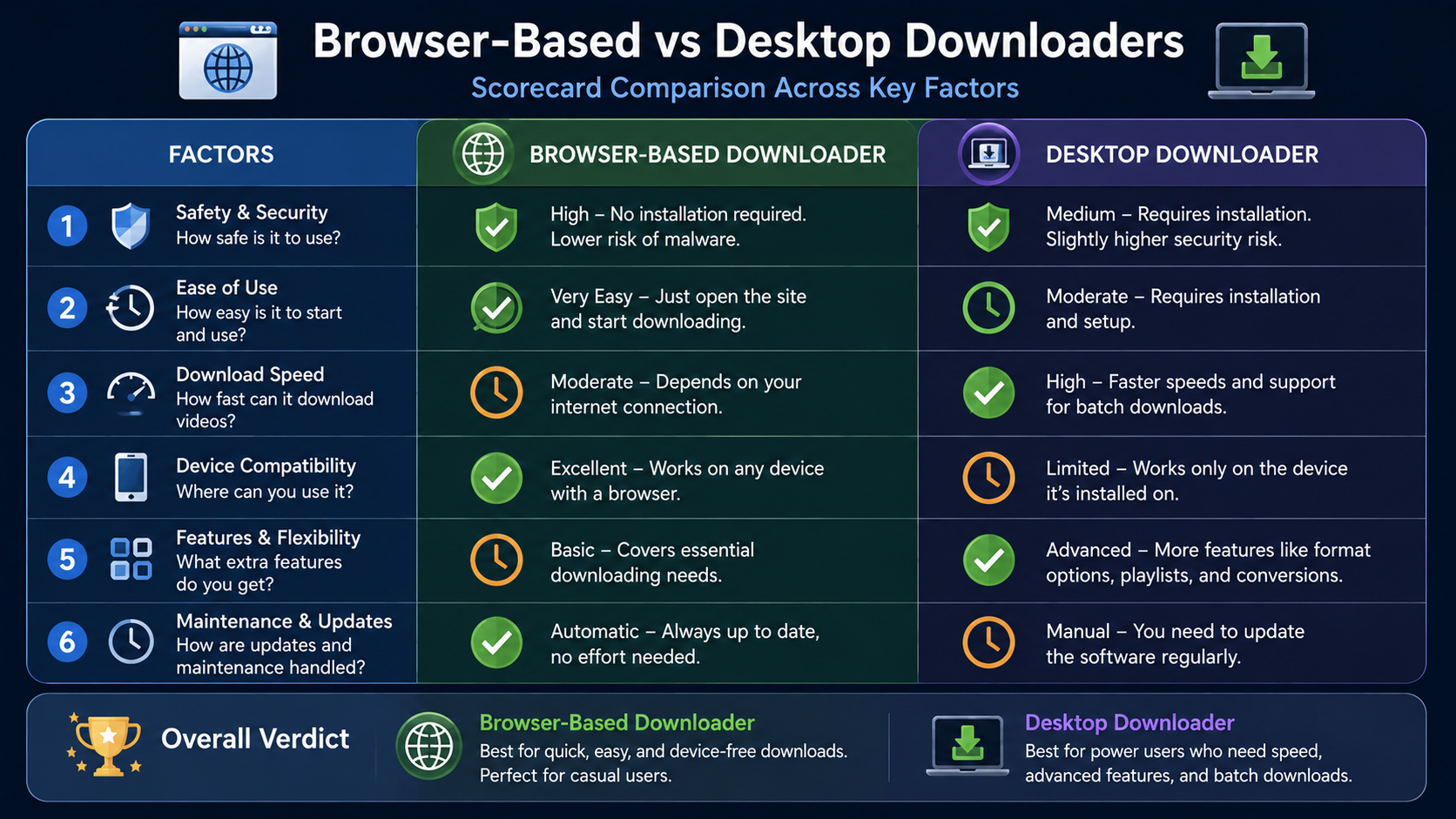
Browser-based tools require zero installation — you're using them within seconds of opening the page. Desktop software requires downloading an installer, running it, granting permissions, and sometimes restarting your device, which can take several minutes for the first-time setup.
Updates and Maintenance
Platforms change how they serve video data reasonably often. Browser-based tools update automatically on the provider's server, meaning fixes are live the moment they're deployed. Desktop software requires you to manually check for and install updates, and if a developer is slow to release a fix, the software can simply stop working for days or weeks at a time.
Cross-Device Access
A browser-based tool works on any device with a browser — your phone, a tablet, a work computer, a friend's laptop. Desktop software only works on devices where it's actually installed, which becomes a real limitation if you regularly switch between devices or don't have installation permissions on a shared computer.
Security Considerations
Installing desktop software means granting a program a certain level of access to your system, and not every developer is equally trustworthy or transparent about what that access is used for. Browser-based tools operate within your browser's sandboxed environment, which inherently limits what they can access on your device, making them a generally lower-risk option from a pure security standpoint.
Storage and System Resources
Desktop software takes up permanent storage space and, in some cases, runs background processes even when you're not actively using it. Browser-based tools use no storage at all beyond the downloaded video files themselves, and consume no resources once you close the tab.
A Direct Comparison Table
Factor | Browser-Based | Desktop Software |
|---|---|---|
Setup time | Seconds | Minutes |
Updates | Automatic | Manual |
Cross-device access | Yes | No, limited to install |
Storage footprint | None | Ongoing |
Security risk profile | Lower | Higher, varies by developer |
Works on shared/work computers | Usually yes | Often not possible |
When Desktop Software Still Has an Edge
To be fair to desktop tools, there are specific scenarios where they still make sense. Heavy, automated batch-processing workflows — downloading hundreds of files as part of a scripted pipeline — are sometimes easier to manage with dedicated desktop software built for that exact purpose. Some specialized format conversions or professional video pipelines also integrate more tightly with local desktop tools than with a web-based workspace.
Why Browser-Based Has Become the Practical Default
For the overwhelming majority of everyday use — saving a clip, backing up your own content, downloading a reference video — the convenience and safety advantages of browser-based tools outweigh the narrow benefits of desktop software. This shift has been accelerated by browser-based tools closing the feature gap that used to exist; modern web tools now offer search functionality, multi-platform support, and quality preservation that used to be exclusive to dedicated desktop applications.
White Hole is a clear example of this shift — it offers URL Download and Search Download, clear progress feedback, original quality preservation, and no sign-in requirement, all within a browser tab, with consistent behavior across Chrome, Firefox, Safari, Edge, Opera, and Brave.
Making the Decision for Yourself
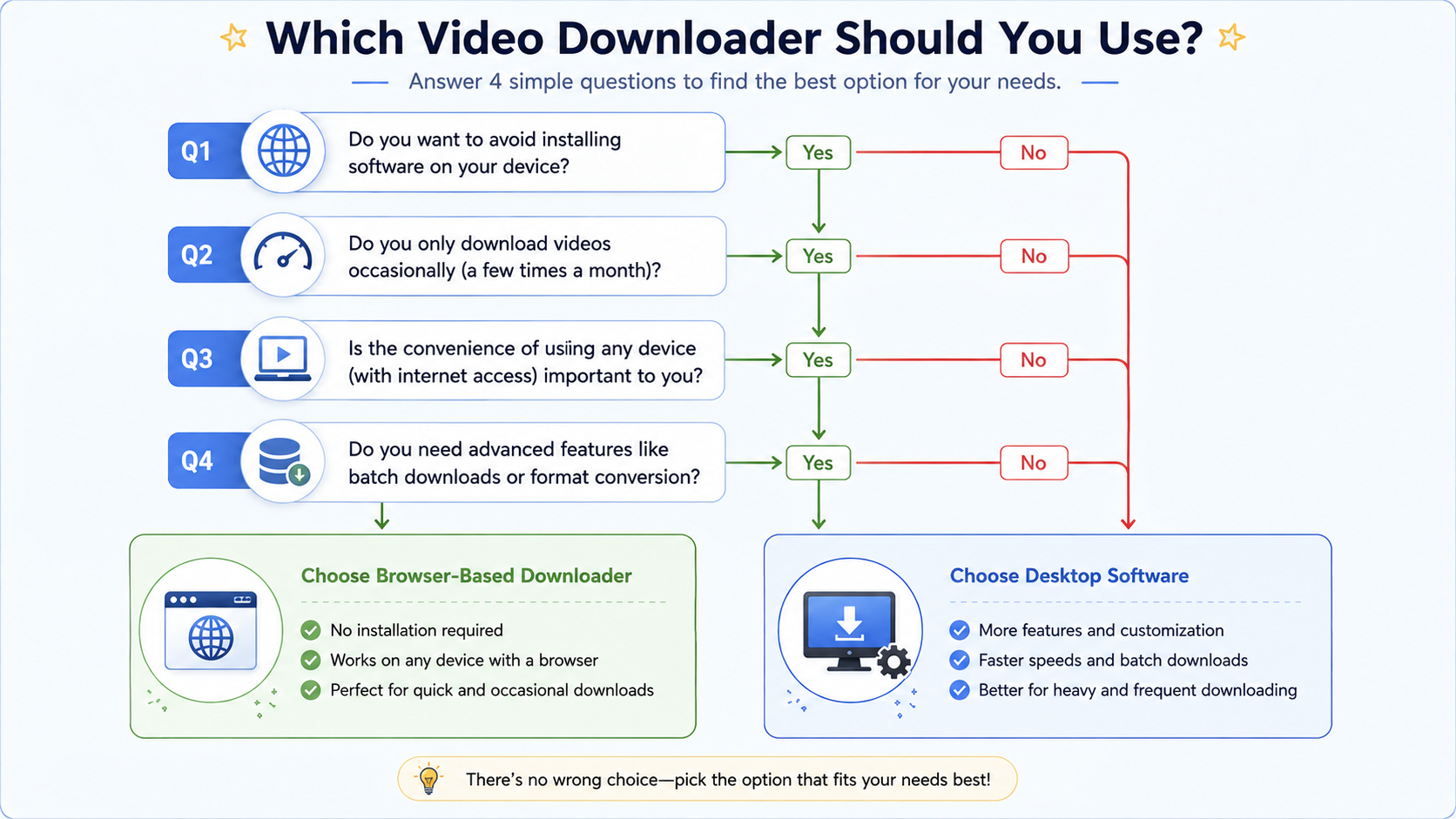
Ask yourself these questions to figure out which approach actually fits your needs:
Do I need to download on multiple devices, or just one? Multiple devices favor browser-based.
Do I need automated, large-scale batch processing? This might favor specialized desktop software.
Am I on a shared or work computer where I can't install software? This makes browser-based the only realistic option.
How important is minimizing security risk to me? Browser-based tools generally carry lower risk.
Addressing the Speed and Performance Myth
A common assumption is that locally installed software must outperform a browser-based tool since it's "native" to the device. In practice, the actual bottleneck for any video download is the internet connection and the provider's server infrastructure, not whether an app is installed locally. The video file has to travel over the internet either way, and installing software on your device doesn't change that fundamental transfer speed. If anything, browser-based tools often feel faster in daily use, since there's no separate application to open, no local processing delay while a program scans a link, and no waiting for the software itself to load before you can even begin.
Privacy Implications Worth Considering
Beyond security in the narrow sense of malware risk, there's also a broader privacy consideration. Installed desktop software, once granted system permissions, can be harder to audit in terms of exactly what data it collects or transmits in the background. Browser-based tools, operating within a browser's more constrained environment, are generally easier to reason about from a privacy standpoint, since their access to your device is inherently more limited by design. This isn't a guarantee that every browser-based tool handles data responsibly, but it does remove one entire category of risk that desktop software inherently carries.
How to Transition If You're Currently Using Desktop Software
If you've relied on desktop downloader software for a while and are considering switching, the transition is generally simple. Start by testing a browser-based tool on a few videos you're already familiar with, comparing output quality against what your desktop software has historically delivered. If the results hold up, you can gradually shift your regular downloading habits over, and eventually uninstall the desktop software once you're confident the browser-based option covers your needs — freeing up storage and removing any background processes it may have been running. For most everyday use cases, this transition takes only a few minutes and immediately removes the ongoing maintenance burden that desktop software carries.
Frequently Asked Questions
Is browser-based downloading as reliable as desktop software?
Yes, and often more so, since fixes and updates happen automatically on the provider's end rather than requiring manual reinstalls.
Can I use a browser-based downloader without an internet connection?
No — since processing happens on the provider's servers, an internet connection is required, the same as with any web-based tool.
Is desktop software ever safer than browser-based tools?
It depends entirely on the specific developer's reputation and practices — but structurally, browser-based tools carry lower inherent risk due to the browser's sandboxed environment.
Does White Hole work the same across all browsers?
Yes, it's built to work consistently across Chrome, Firefox, Safari, Edge, Opera, and Brave.
Final Thoughts
For the vast majority of people, a browser-based video downloader is the more practical, safer, and more flexible choice — no installation, automatic updates, and consistent access across every device you own. Desktop software still has a narrow set of use cases where it makes sense, but for everyday downloading, the browser-based approach, as offered by tools like White Hole, has become the clear default.